
Introduction
Upgrading your iMac’s audio with high-quality speakers is essential for an immersive auditory experience, whether you’re working, gaming, or streaming. Built-in speakers rarely match the expectations of sound enthusiasts. This comprehensive guide is designed to help you choose the right speakers by shedding light on key specifications, recommending top models, and providing useful setup advice.
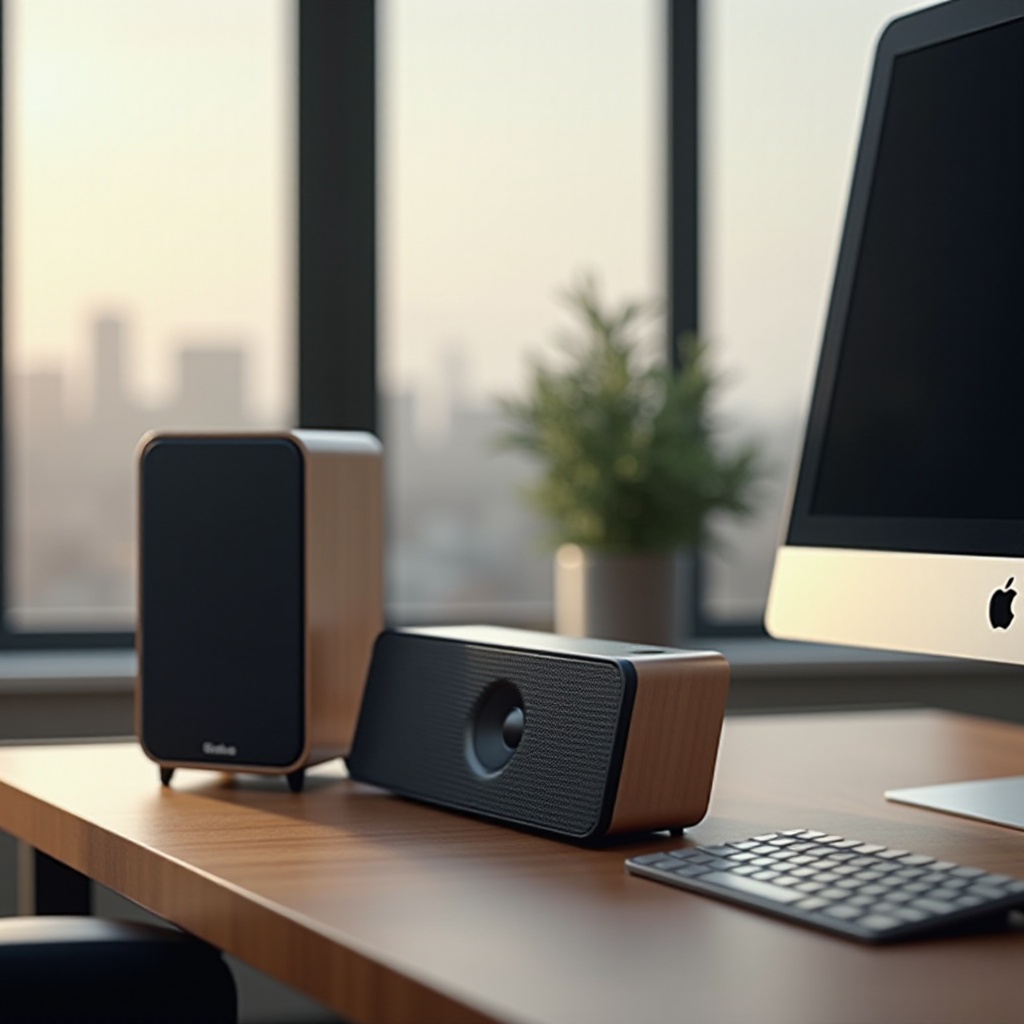
Understanding Speaker Specifications
Knowing the technical aspects of speakers is crucial for making the best choice for your iMac. Specifications influence how speakers deliver sound:
– Wattage: Determines the speaker’s power. A higher wattage means louder sound without distortion. For iMac setups, 20 to 100 watts is ideal.
– Frequency Response: Indicates audio reproduction range. Seek a range between 20Hz to 20kHz for complete sound coverage.
– Driver Size: Influences bass and sound richness. A 3 to 5-inch driver suits iMacs, balancing performance and size.
Getting these specifications right helps tailor your audio setup for optimal performance and enjoyment.
Top Considerations When Choosing iMac Speakers
Understanding specifications is just the start. When evaluating speakers, consider:
1. Design and Aesthetics: Choose speakers that align with the iMac’s design for a cohesive look.
2. Sound Quality: Ensure the speakers provide clear, crisp sound suitable for your audio preferences.
3. Portability and Connectivity Options: Wireless speakers offer flexibility. Check for Bluetooth or AirPlay compatibility for seamless integration with your iMac.
These factors ensure your choice of speakers not only meets auditory needs but also fits your personal style and space.
Top 5 Speakers for iMac in 2024
Different users have varied needs and budgets, so here are our top five recommendations:
– Best Overall: Bose Companion 2 Series III. Known for balanced audio with crisp highs and powerful lows.
– Best Budget Option: Creative Pebble V3. Compact and delivers impressive sound quality at an affordable price.
– Best for Audiophiles: Audioengine A5+ Wireless. Offers superior sound quality and a wide soundstage.
– Best Design: Harman Kardon SoundSticks 4. Provides a futuristic look with an immersive listening experience.
– Best Wireless Option: Sonos One SL. Known for its versatility and powerful, room-filling sound.
These selections are based on comprehensive performance and aesthetics analysis, catering to diverse user needs.
Setting Up Your iMac Speakers for Optimal Performance
After selecting your speakers, proper setup is key for peak performance. Follow these steps:
1. Positioning: Place speakers at ear level on either side of your iMac for balanced sound.
2. Connectivity: Use Bluetooth or aux cables to connect. Wireless setups are cleaner and more flexible.
3. Sound Settings: Adjust iMac’s audio settings to enhance your listening experience.
These setup tips enable you to utilize your speakers fully, providing a rich audio experience.
Troubleshooting Common iMac Speaker Issues
Sometimes technical hitches arise. Address these common problems effectively:
– No Sound: Check connections and ensure audio settings are correct.
– Distorted Audio: Lower volume levels to minimize distortion.
– Connectivity Problems: For Bluetooth, reset the connection. For wired, inspect cables.
Simple troubleshooting keeps your audio experience smooth and hassle-free.
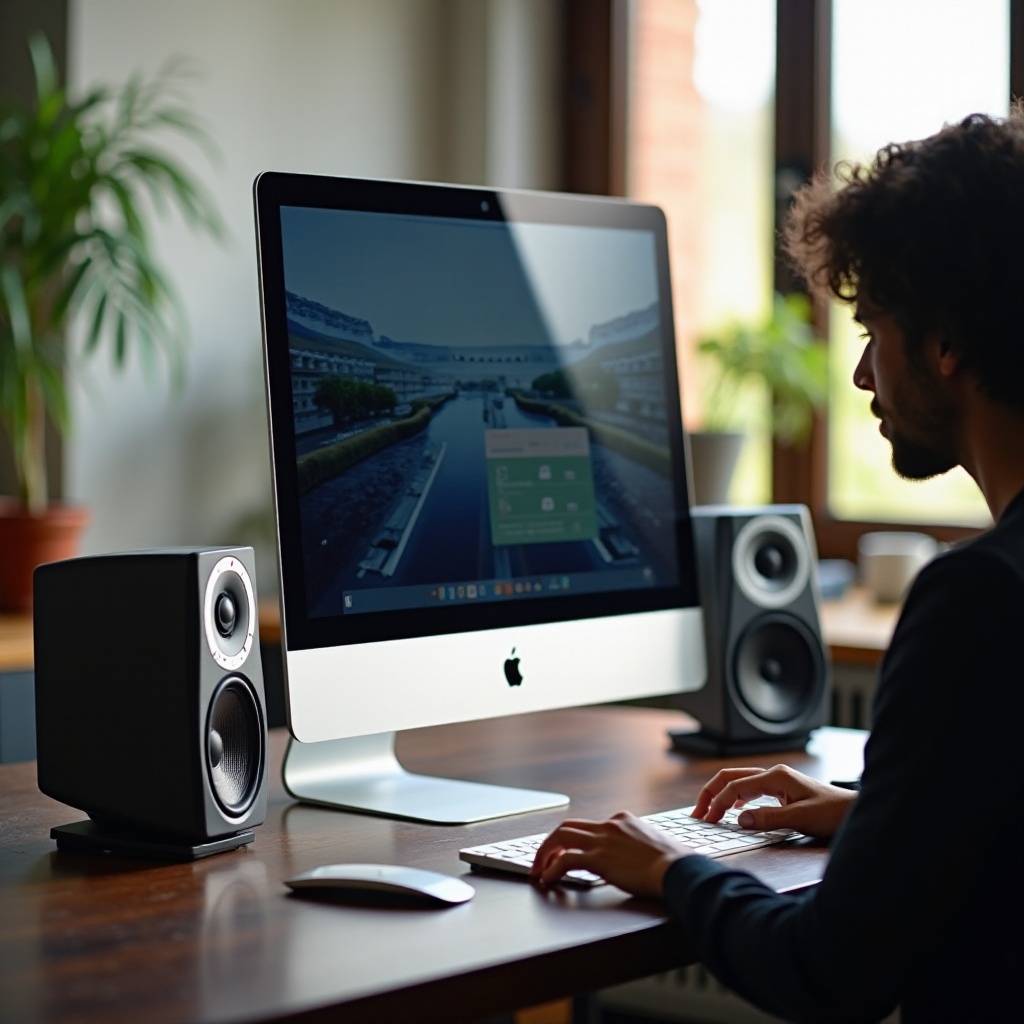
Enhancing Your Audio Experience with Accessories
Beyond basic setup, accessories can intensify your sound quality:
– Subwoofers: Deepen audio by enhancing bass for a richer soundscape.
– Amplifiers: Boost output power and clarity.
– Stands and Mounts: Reduce vibrations and optimize desk space by proper speaker placement.
These additions can significantly refine your auditory setup, maximizing performance.
Future Trends in iMac Speaker Technology
Staying current with audio tech trends is beneficial for future investments:
– Smart Integration: Increased adoption of assistants like Alexa and Siri for hands-free usage.
– Sustainability: Growth in eco-friendly materials and energy-efficient designs.
– Advanced Wireless Technologies: Improvements in wireless connectivity, enhancing stability and reducing latency.
Understanding these trends helps you future-proof your audio setup and make informed purchasing decisions.
Conclusion
Choosing the perfect speakers for your iMac can dramatically elevate your sound experience. A thorough grasp of specifications, thoughtful consideration of design and quality, and knowledge of setup and trends combine to guide you in making a purchase that meets your needs. A well-thought-out audio setup transforms your iMac from a simple workstation to an immersive entertainment hub.
Frequently Asked Questions
What are the best budget speakers for iMac?
Creative Pebble V3 speakers are highly recommended for their affordability and sound quality, providing a great balance for budget-conscious buyers.
Can I use Bluetooth speakers with my iMac?
Yes, most modern iMacs support Bluetooth connectivity, allowing you to pair with wireless speakers easily for an organized workspace.
How do I connect external speakers to my iMac?
You can connect via Bluetooth for wireless models or use an auxiliary cable for wired speakers. Ensure your iMac’s audio settings are configured to output through the chosen connection method.