
Introduction
The sight of a cracked Fitbit screen is a disheartening one, leaving many wondering what their next step should be. Should you opt for a repair, try a do-it-yourself fix, or replace the device entirely? This blog will guide you through understanding your screen’s damage, exploring repair and replacement options, and helping you determine the most cost-effective and practical solution.
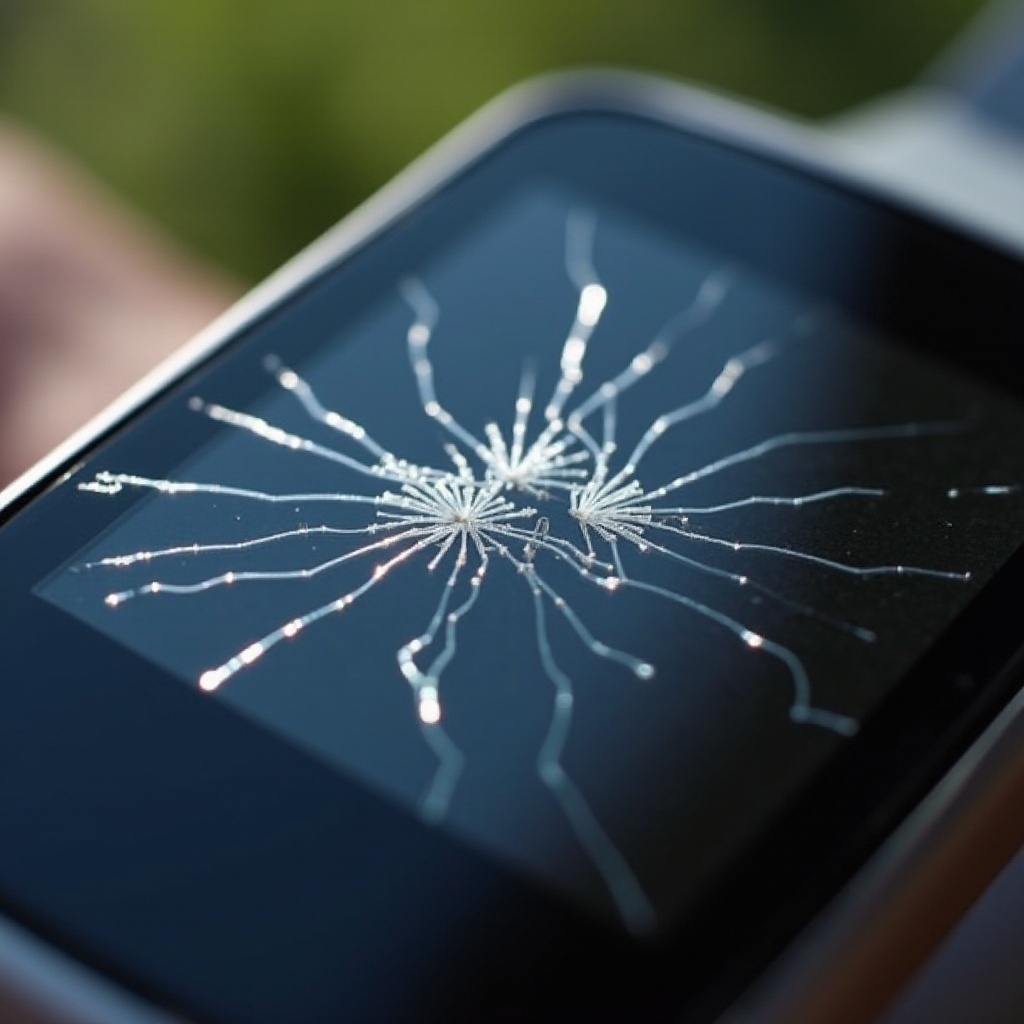
Understanding Your Cracked Fitbit Screen
Before making a decision, it’s vital to understand how badly the screen is damaged and what caused it.
Common Causes of Screen Damage
- Dropping the Device: A frequent cause of screen fractures when the device slips from your hand.
- Pressure or Crushing: Stepping or sitting on a device can easily result in cracks.
- Temperature Extremes: Prolonged exposure to high or low temperatures can make the screen more susceptible to breaking.
Knowing why the screen cracked is essential for preventing future accidents.
Identifying the Severity of the Crack
Assess the crack to understand its impact:
- Minor Scratches: These are primarily cosmetic and may not interfere much with use.
- Moderate Cracks: Might affect touch sensitivity and visibility but can still be usable.
- Severe Damage: A completely shattered screen that often hinders device operation, needing urgent addresses.
This assessment will greatly influence whether you decide to repair or replace.
Repair or Replace? Making the Right Decision
With an understanding of your screen’s condition, you can now explore realistic options for repair or replacement.
Assessing Repair Options
Consider these avenues for fixing your screen:
- Manufacturer Repair: Fitbit provides repair services, and if your warranty is still valid, it may even cover the costs.
- DIY Repair: For those adept with tools, repair kits are available online, offering an affordable ‘do-it-yourself’ solution.
Weighing the Costs of Replacement
Compare the costs involved in these options:
- If repairs cost close to a replacement, it may be wiser to buy new.
- Trade-in Programs: Some retailers offer discounted rates on new models if you trade in your old device.
Model Comparison for Upgrading
If replacing your device seems like the best route, consider these suggestions:
- Latest Fitbit Models: New models offer enhanced features at competitive prices.
- Alternative Brands: Analyze other brands for potentially better value and innovative functionality.
DIY Repair: Can You Fix It Yourself?
If you’re tech-savvy, DIY repair is a viable option that can save money and give a sense of accomplishment.
Tools Required for DIY Repairs
Get ready with these basic tools:
- Precision screwdriver set
- Model-specific screen replacement kit
- Tweezers and pry tools
- Adhesive or glue
Gathering the right tools is essential before starting your repair.
Step-by-Step Repair Guide
- Power off your Fitbit and remove any screws holding the device’s components together.
- Use pry tools carefully to lift the cracked screen away from the body of your device.
- Affix the new screen from your repair kit in place.
- Reassemble your device carefully by reversing the initial removal steps.
DIY fixes require patience and attention to detail to ensure a successfully functioning device.
Professional Repair Services
If DIY isn’t your style, professional repair options offer reliability and peace of mind.
Pros and Cons of Manufacturer Services
Manufacturer repairs offer these considerations:
- Pro: Guaranteed original parts and skilled service
- Con: Repairs might be more expensive than third-party options, especially out-of-warranty
Evaluating Third-Party Repair Shops
Weigh the benefits of non-manufacturer repair services:
- Local Repair Shops: Typically faster and less expensive than sending your device away.
- Concerns: Ensure the use of high-quality parts and consider reviews before deciding where to repair.
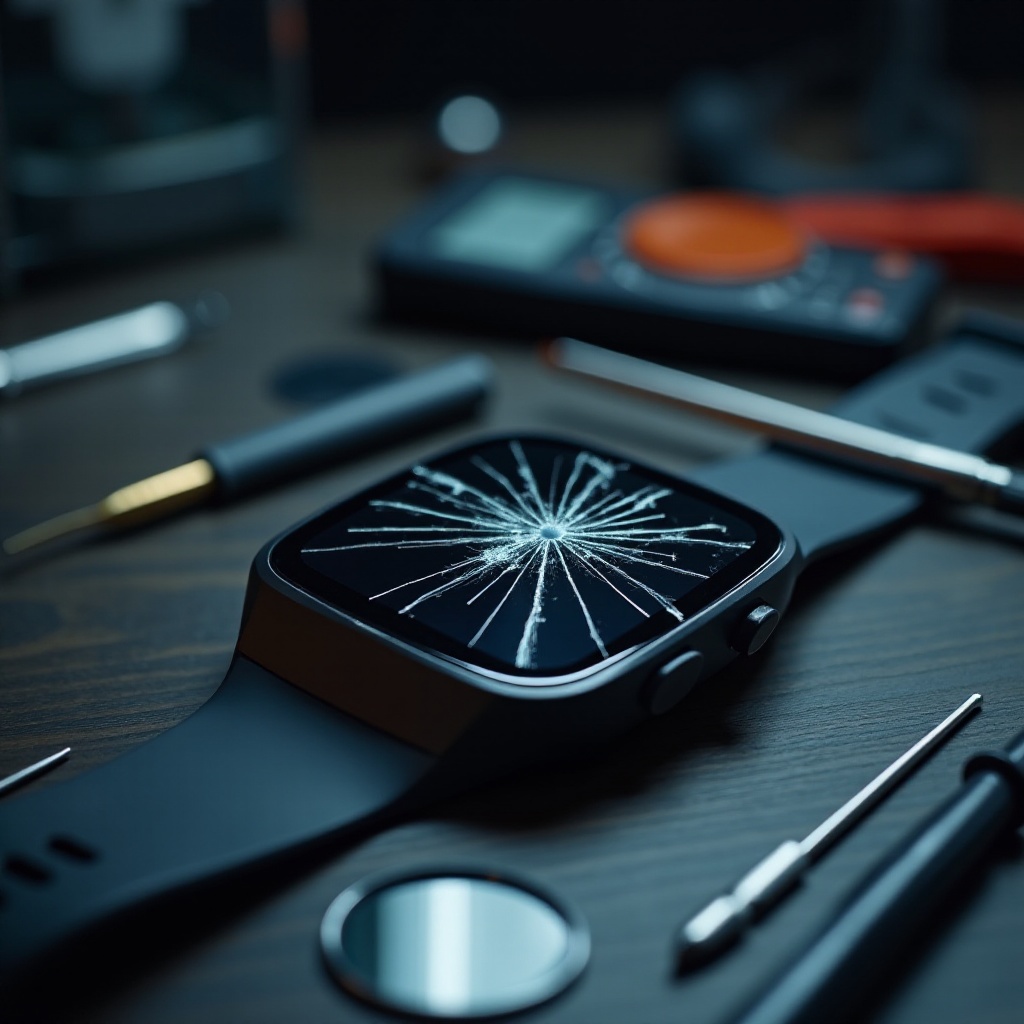
Replacement Options: When It’s Time to Upgrade
Sometimes starting fresh with a new device provides a clean break from past issues.
Exploring the Latest Fitbit Models
Consider newer Fitbit models for improved functionality, offering benefits like:
- Enhanced battery life and feature sets
- Superior screen durability
Considering Alternative Smartwatch Brands
If expanding options appeal to you, explore different wearable brands offering:
- Diverse health monitoring capabilities
- Competitive price points synchronized with advanced features
Preventive Measures for Future Protection
Regardless of repairing or replacing, protecting your Fitbit from future damage is wise.
Recommended Screen Protectors and Cases
Ensure long device life by:
- Investing in a quality screen protector—tempered glass provides robust defense
- Using protective cases to absorb impact in case of drops
Best Practices for Maintaining Your Fitbit
Follow these maintenance tips:
- Avoid environments with temperature extremes
- Regular cleaning with appropriate materials to maintain device longevity
Conclusion
Choosing between repairing or replacing your cracked Fitbit screen depends on the severity of damage and budget considerations. Evaluate the options that consider your priorities and render the best value over time.
Frequently Asked Questions
What is the average cost of repairing a cracked Fitbit screen?
Repair costs typically range from $50 to $100, depending on the model and service provider.
Can a smartwatch repair specialist fix a Fitbit screen?
Yes, independent specialists often offer repair services which may be more affordable than manufacturer repairs.
Are all Fitbit models prone to screen damage?
Durability can vary, though using screen protectors can help minimize damage risk in all models.