
Introduction
Vertical lines can be a nuisance on your LG TV, disrupting not only the picture but your overall viewing pleasure. These lines often hint at issues ranging from internal hardware faults to minor connection problems. Tackling them promptly is vital for maintaining your television’s performance. This article serves as a comprehensive guide to understanding the causes behind these vertical lines, offering actionable solutions and guidance on when professional help might be required.
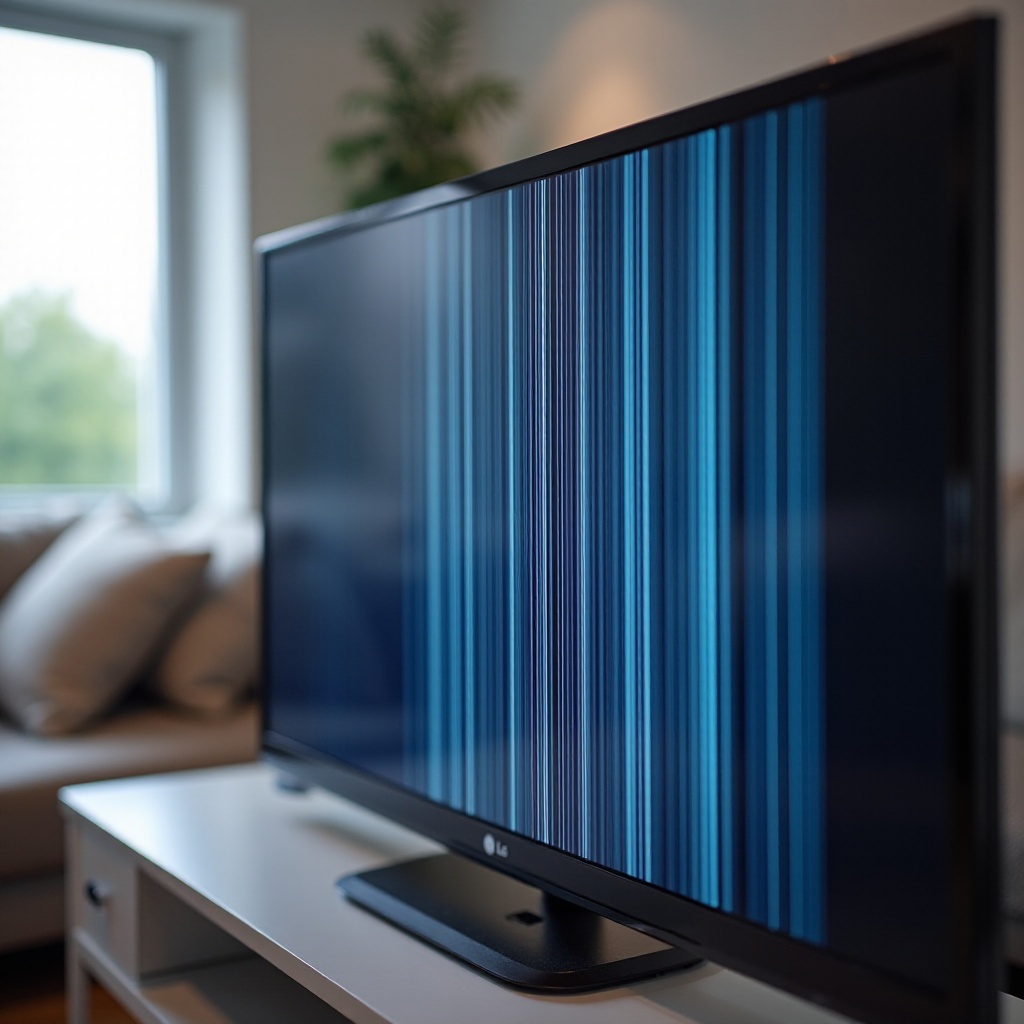
Common Causes of Vertical Lines on LG TVs
Getting to the root of vertical line issues is the first step towards a solution. Typically, these are the main culprits:
- Hardware Malfunctions: Internal components, such as the display panel or T-Con board, can malfunction, leading to visual anomalies like vertical lines.
- Software Glitches: Occasionally, glitches in the software can cause display issues. Keeping your TV’s firmware updated is key to preventing such problems.
- Cable Connection Issues: Faulty or loose HDMI cables can disrupt the signal, leading to visible lines. Ensuring secure connections is often an easy fix.
Understanding these causes sets the stage for accurate diagnosis and appropriate corrective measures. Let’s delve deeper into diagnosing the problem effectively.
Diagnosing Vertical Line Problems
Accurate diagnosis is critical for effective troubleshooting:
- Initial Checks and Troubleshooting Steps: Start with a basic inspection of all cable connections. Ensure they are properly secured, and try using different cables to rule out a faulty cable connection.
- Differentiating Between Hardware and Software Issues: Conduct a soft reset by unplugging the TV for a few minutes, then plugging it back in. Persistent lines after a reset might suggest a hardware malfunction.
Proper diagnosis allows for targeted interventions. Once you pinpoint the cause, addressing the issue becomes straightforward. Let’s now explore some solutions.
Effective Solutions for Vertical Lines
Once diagnosed, applying the right solution can swiftly resolve the issue.
- Updating TV Firmware: Outdated firmware can lead to display issues. To update:
- Navigate to the TV settings menu.
- Select ‘Support’ and then ‘Software Update.
-
If an update is available, follow the prompts to download and install it.
-
Secure Cable Connections: After inspecting cables, replace any that are worn or damaged. Ensuring all connections are tight and secure can resolve visual disturbances.
-
Performing a Soft Reset: If initial efforts didn’t work, unplug the TV for a longer period—about 30 minutes—then reboot. This can sometimes clear persistent problems.
These solutions address both hardware and software concerns effectively. If lines persist, it may be time to consider professional service.
When to Contact LG Support for Professional Help
Sometimes, DIY methods might not suffice, and professional intervention is crucial:
- Identifying Complex Issues: Stubborn lines that don’t respond to basic interventions often indicate deeper issues within the internal components.
- Preparing for Support Consultation: Before reaching out to LG support, prepare your TV’s model number, warranty details, and a thorough description of the issue. This information helps streamline the assistance process.
Knowing when to seek expert help ensures your resolution path is efficient and minimizes risks of further damage. Additionally, taking preventive steps is beneficial.
Preventive Measures to Avoid Future Vertical Line Issues
Preventive care can reduce the likelihood of future issues:
- Regular TV Maintenance Tips: Routinely clean your TV, both screen and vents, to prevent dust buildup that can cause overheating.
- Creating an Ideal Viewing Environment: Position your TV away from heat sources and ensure it has ample ventilation. Use surge protectors for stable power supply, safeguarding against electrical interferences.
These practices enhance your TV’s durability and help maintain an optimal viewing experience. They can significantly decrease the probability of encountering similar issues in the future.
Conclusion
Acting promptly on vertical line issues not only improves your viewing experience but also prolongs your TV’s life. By understanding the underlying causes and applying the right solutions—from secure cable connections to updating firmware—you can often resolve these problems yourself. However, knowing when to seek professional help is equally crucial. By following regular maintenance and adopting preventive measures, you’re investing in the long-term health of your television.
Frequently Asked Questions
Can vertical lines on my LG TV be fixed at home?
Yes, most issues, particularly those related to cables or software, can be fixed at home with simple troubleshooting steps.
How can I update my LG TV firmware?
To update, go to the TV settings menu, select ‘Support,’ then ‘Software Update,’ and follow the prompts to install any available updates.
What should I do if software updates don’t fix the problem?
If updates don’t resolve the issue, check hardware components and cables, and consider contacting LG support for further assistance.