
Introduction
When your iPhone slips from your grasp and hits the ground, the impact can manifest visibly on its screen. Among the various potential damages, encountering a black spot is a common but concerning issue. This article explores why these spots appear and offers guidance on immediate actions, repair solutions, and preventative strategies.
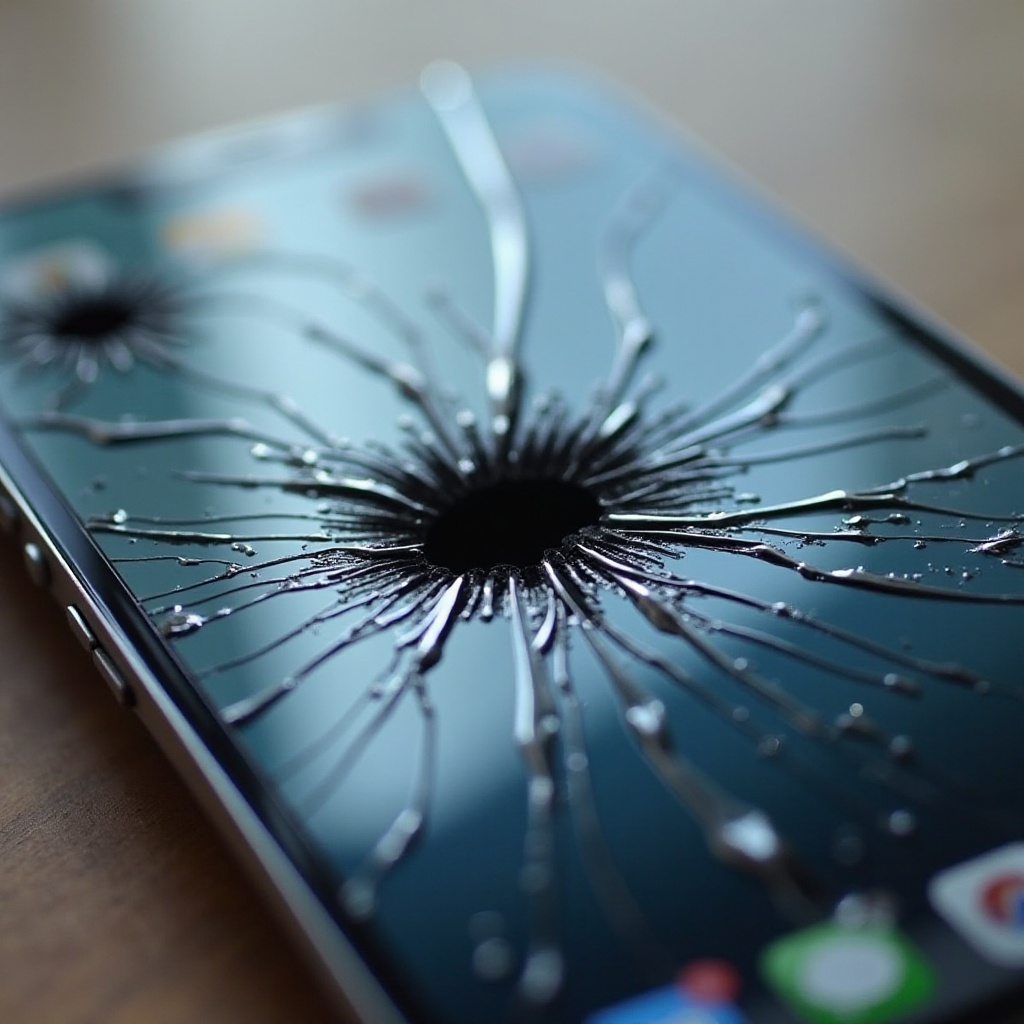
What Are Black Spots on iPhone Screens?
Black spots on iPhone screens signify damage beneath the surface, typically affecting the LCD. These blemishes are areas where pixels fail to illuminate due to disturbances. They are not just aesthetic annoyances; they can compromise display quality and device usability. Recognizing these symptoms helps evaluate the damage severity.
– An immovable black dot or stain
– Flickering screen or responsiveness issues in affected areas
– Discolored lines or surrounding pixels
Once you recognize these symptoms, it’s essential to understand what causes such damage, especially following a drop, as we discuss in the next section.
Causes of Black Spots After Dropping Your iPhone
Dropping your iPhone can cause various internal issues due to impact forces. Here’s why black spots might develop:
- Internal Screen Damage: The LCD beneath the glass screen is particularly vulnerable to impact.
- Pressure Damage: Forceful impacts can result in dead pixels, leading to black spots.
Understanding these causes aids in assessing damage extent. Next, we will look at immediate steps to take after noticing a black spot post-drop.
Immediate Steps to Take After Dropping Your iPhone
Upon discovering a black mark, quick action can mitigate further damage:
- Turn Off the Device: Reduce the risk of electrical issues by powering down.
- Inspect for Additional Damage: Confirm if the issue is purely cosmetic or if there are deeper functional concerns.
- Document the Damage: Take photos, especially if visiting a repair shop or contacting Apple support for further assistance.
These immediate steps set the stage for deciding on repair options. We’ll now explore whether a DIY approach or professional help is suitable.

Professional Repair vs. DIY Fixes
Deciding between repairing your iPhone yourself or relying on professionals depends on the damage severity and your repair expertise:
- DIY Limitations: While online guides provide comprehensive fixes, lacking proper tools or knowledge can exacerbate problems. Suitable primarily for minor screen issues.
- Professional Assistance: Experts can precisely diagnose and repair damage without risking further complications. Plus, they often offer warranties for their work, providing peace of mind.
Choosing a Reliable Repair Service
When selecting a repair service, consider:
– Customer feedback and service reputation
– Technician certifications and experience
– Service warranties available
Understanding Repair Costs
Costs for screen repair can vary significantly depending on:
– The iPhone model and damage extent
– Whether warranty or AppleCare+ covers the damage
Evaluating these aspects informs a sound repair decision. In the next section, we will discuss how to prevent such incidents in the future.
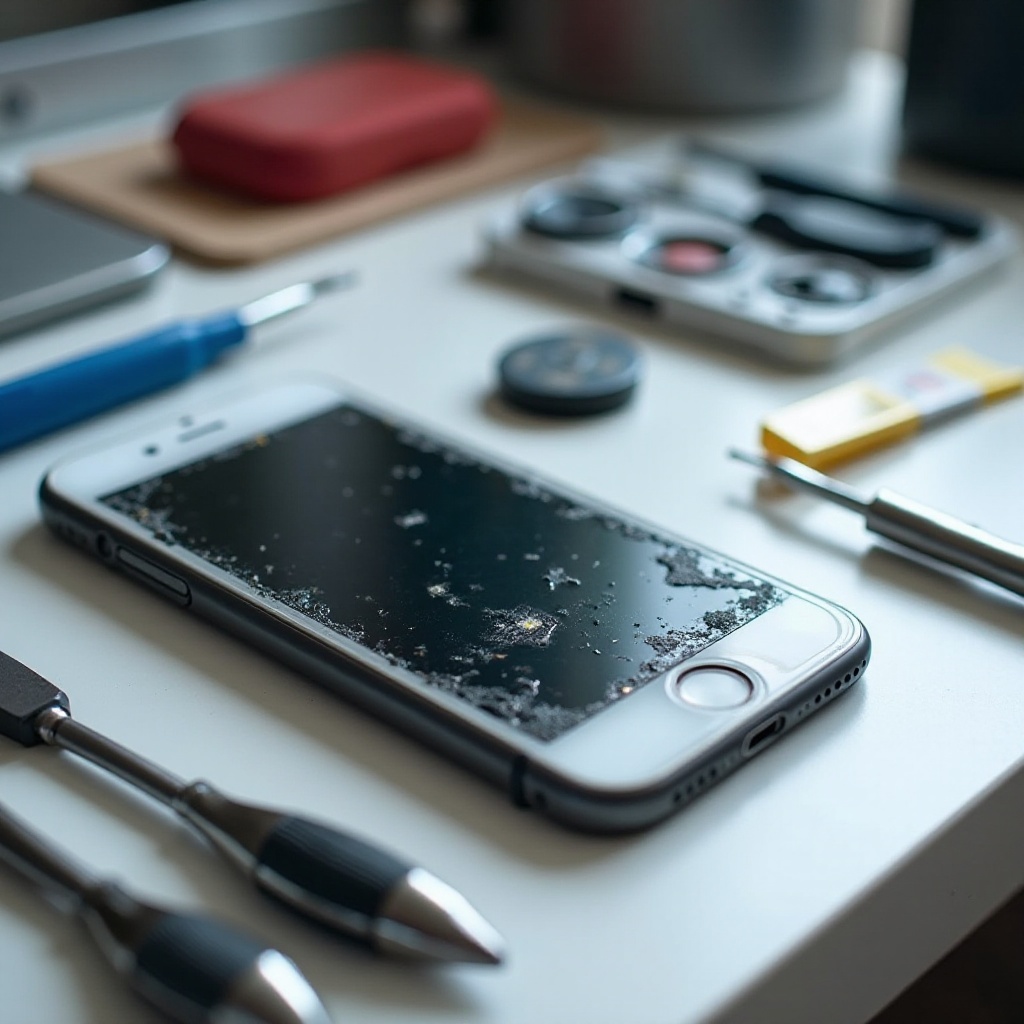
Preventative Measures to Protect Your iPhone Screen
To sidestep future black spot issues, consider these protective tips:
- Use a Screen Protector: High-quality tempered glass can dissipate impact forces and prevent cracks.
- Invest in a Durable Case: Choose shock-absorbent materials for extra cushioning during falls.
- Practice Safe Handling: Avoid placing your device in precarious positions and handle it with care.
Taking these measures can extend your iPhone’s lifespan and protect it from physical damage. To conclude, let’s summarize the key takeaways.
Conclusion
Black spots on an iPhone screen signal underlying damage needing prompt attention. By identifying symptoms, taking immediate measures, and weighing repair options, you can manage the issue efficiently. Implementing protective steps not only preserves your current device but also minimizes similar problems in the future.
Frequently Asked Questions
Can I continue using my iPhone with a black spot on the screen?
Using an iPhone with a black spot can further harm internal components; professional repair is recommended.
How long does it take to repair an iPhone screen with black spots?
Repairs can range from a few hours to a few days, depending on service proficiency and workload.
Are black spots covered under Apple’s warranty?
Accidental damage typically isn’t covered under Apple’s standard warranty; AppleCare+ may offer discounted repairs.