
Introduction
When you find that one AirPod isn’t charging, it can cause serious inconvenience. Many people face this issue and wonder if it is due to a hardware fault or something easily rectifiable. This comprehensive guide will help you pinpoint and solve the problem so you can get back to uninterrupted listening.
Understanding AirPods Charging Mechanisms
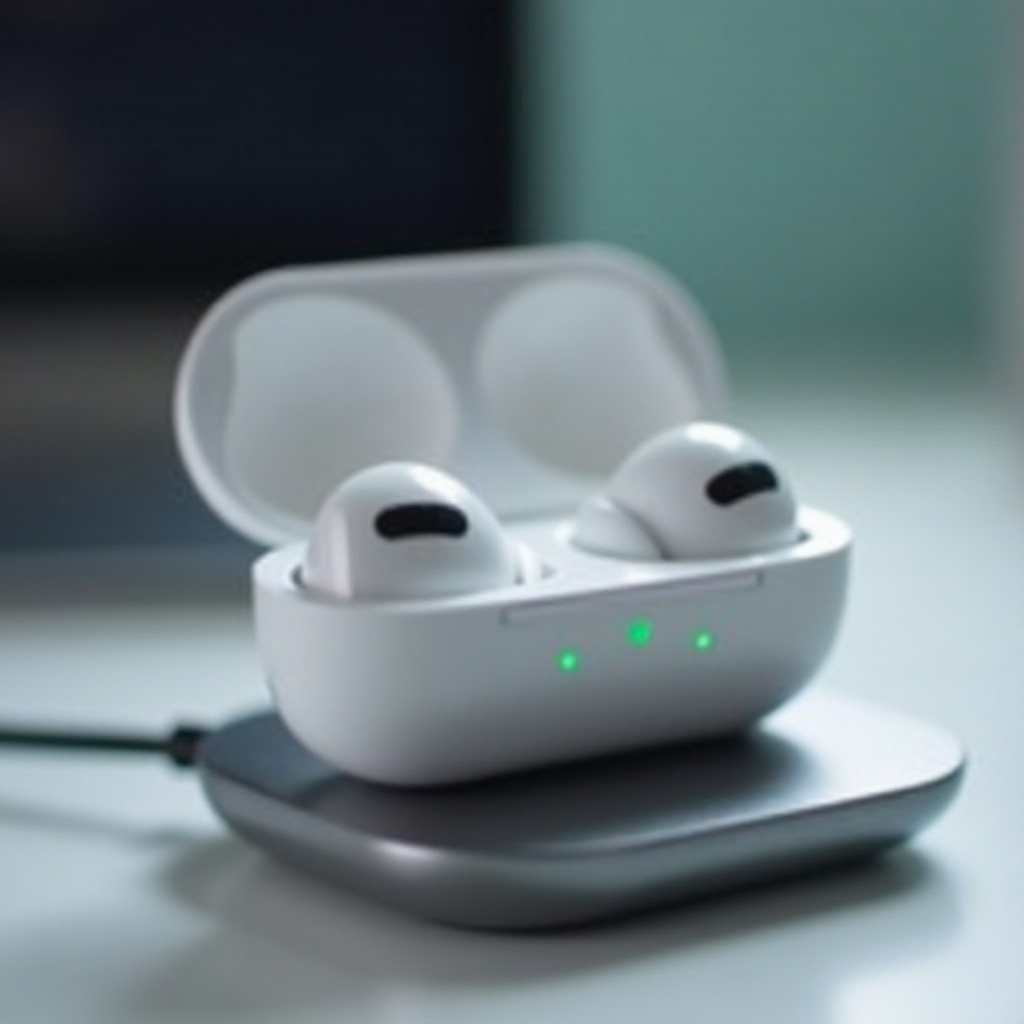
Understanding the charging mechanisms of your AirPods can expedite your troubleshooting process. Each AirPod connects with the charging pins inside the case, and anything that disrupts this connection can prevent charging.
- Overview of AirPods and Charging Case Technology: AirPods utilize compact lithium-ion batteries that need frequent charging. The case serves as the cradle to recharge them.
- Common Reasons for Charging Issues: Often, charging problems are caused by alignment issues, accumulations of dirt, or firmware glitches that affect the charging circuitry.
Moving from understanding to action, you can conduct several initial checks to address the charging issue.
Quick Initial Checks
Before diving into more intricate fixes, begin with these straightforward checks to ensure basic functionality:
- Inspect the Charging Case for Issues: Verify that the case is in good condition without any cracks that might hinder charging.
- Ensuring Correct Placement in the Case: Ensure each AirPod sits flush in its groove. A firm click indicates they are correctly seated.
- Verifying Cable and Charger Functionality: Try a different charging cable or adapter to check if the problem lies with the power source. Ensure that all accessories are Apple-certified for best results.
Once these checks are completed, you can focus on cleanliness to mitigate any obstructions.
Cleaning Your AirPods and Charging Case
Dust and debris often obstruct the connection between AirPod and case, interfering with charging.
- Why Regular Cleaning Matters: Maintaining cleanliness ensures a strong connection and enhances device durability.
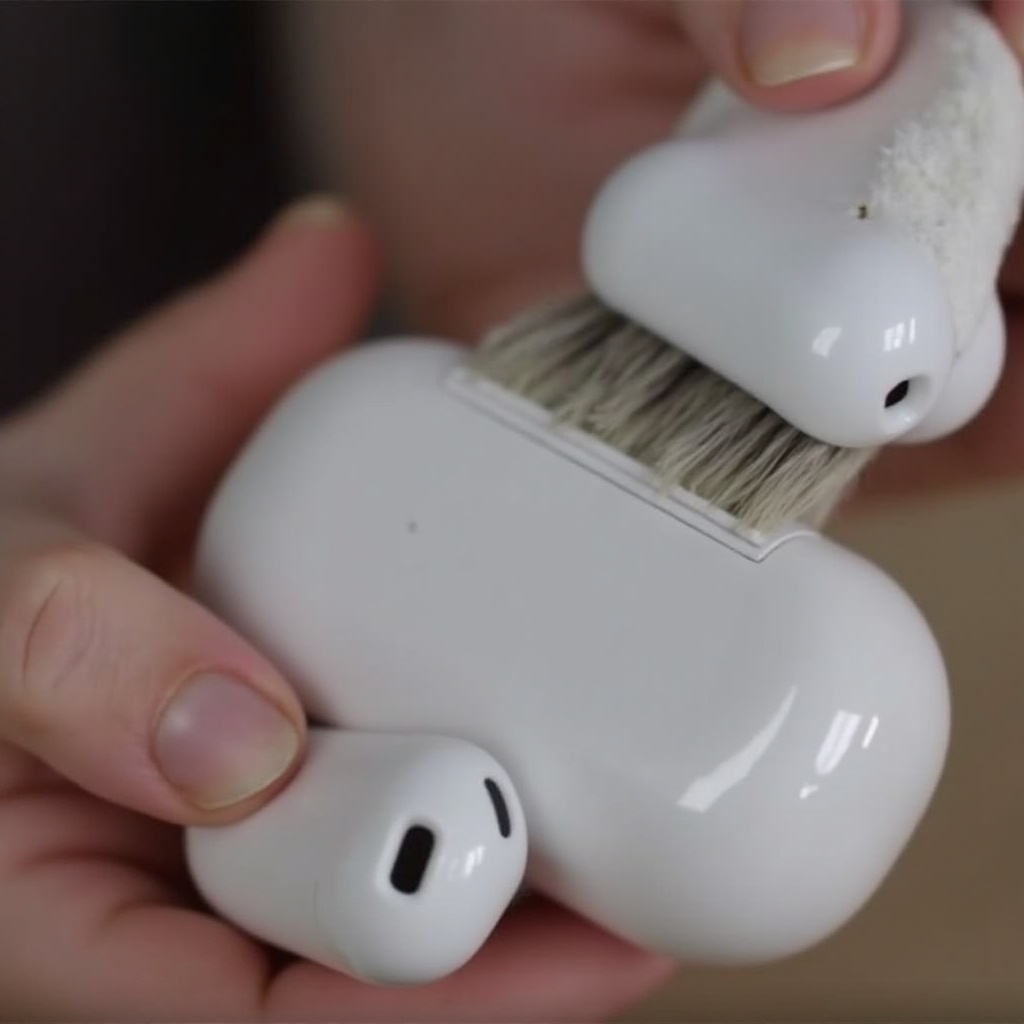
- Tools Required for Cleaning: Equip yourself with a soft, dry, lint-free cloth, a small brush or toothbrush, and a cotton swab.
- Step-by-Step Cleaning Process:
- Begin by gently brushing the case contacts and AirPods.
- Wipe the case and AirPods with the cloth to remove any loose particles.
- Carefully attend to the inside of the case using the cotton swab, being gentle to prevent damaging components.
Having ensured cleanliness, the next step involves checking software and device settings to rule out configuration issues.
Software and Device Settings
Sometimes, software bugs or outdated settings may prevent proper charging. Keeping everything updated can help.
- Updating AirPods Firmware: While AirPods automatically update, ensure your paired device is running the latest iOS to facilitate this.
- Resetting AirPods via iOS Device: Resetting can fix connectivity faults. In Bluetooth settings, ‘Forget’ the device and set up your AirPods anew.
- Checking Bluetooth Connectivity: Re-pair your AirPods to make sure your wireless connection is stable and configured correctly.
If all these steps fall short, professional repair might be your next option.
When to Seek Professional Help
Should the issue persist despite thorough troubleshooting, it might indicate a hardware problem requiring expert intervention.
- Identifying Hardware Issues Beyond DIY Fixes: If no visible damage yet persistent charging issues continue, it’s time to consult Apple Support.
- Contacting Apple Support Options: Visit the Apple Support page to explore repair or service options, or arrange an in-store consultation. Professionals can conduct a comprehensive diagnosis.
Conclusion
Addressing a non-charging AirPod requires a methodical approach, beginning with basic inspections and cleaning procedures. By understanding charging mechanics, ensuring cleanliness, updating software, and knowing when to seek professional help, you safeguard your listening experience. Regular upkeep will aid in preventing common problems and maintaining optimal AirPod performance.
Frequently Asked Questions
What should I do if my AirPods are still under warranty?
If under warranty, contact Apple Support to explore repair or replacement options covered by warranty terms.
Can third-party repairs affect my AirPods’ performance?
Yes, unauthorized repairs may impact performance and void the warranty. It’s best to use certified Apple services.
How often should I clean my AirPods to ensure optimal performance?
Clean your AirPods and charging case every few weeks to maintain good condition and prevent charging issues.