
Introduction
Podcasting success hinges on audio quality, and this starts with choosing the right microphone. For MacBook users, the seamless integration with various audio devices makes it a preferred choice for podcasters. With numerous microphones on the market, finding the right one can feel overwhelming, but we are here to simplify that decision.
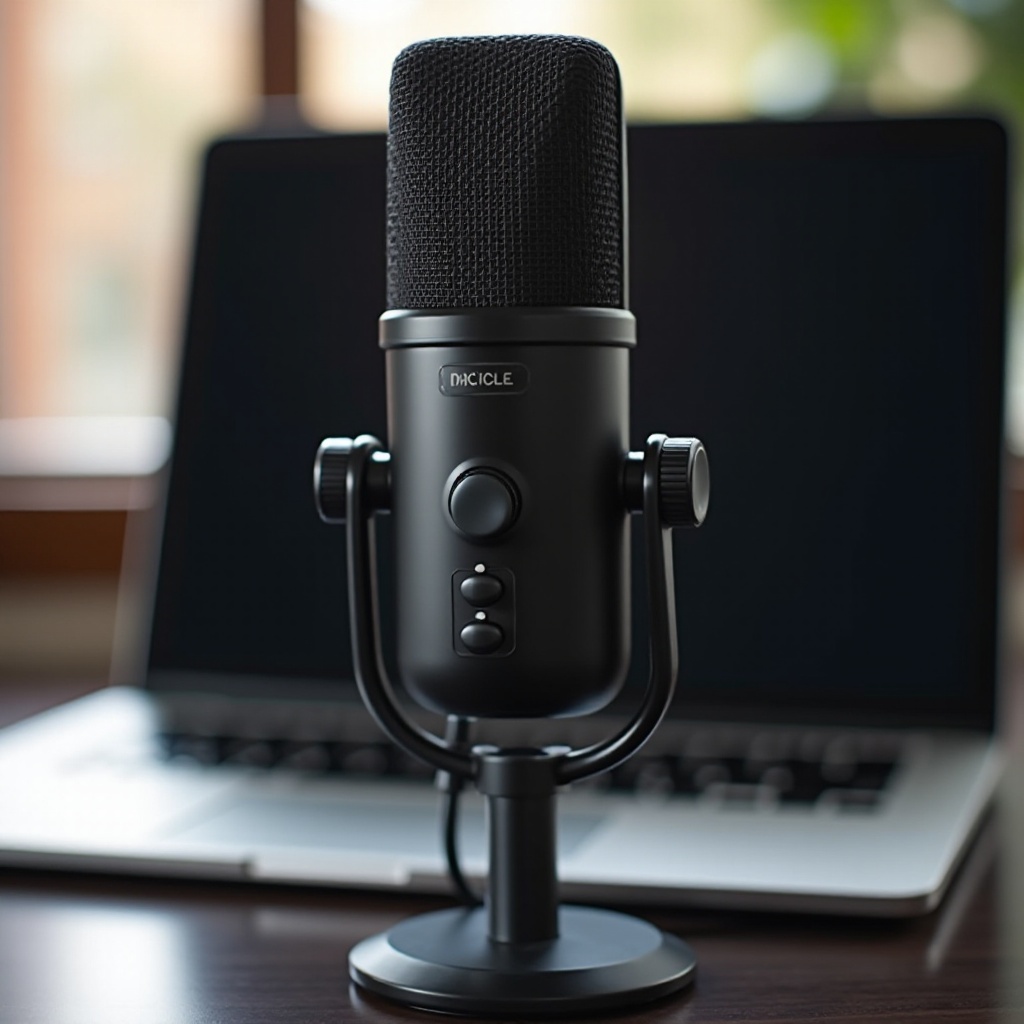
Understanding Podcast Microphone Features
To make an informed decision, it’s crucial to know the features that impact audio quality.
- Types of Microphones: Dynamic vs. Condenser
- Dynamic microphones are perfect for recording in dynamic environments due to their durability and noise rejection.
-
Condenser microphones offer more detailed and accurate audio, ideal for controlled studio settings.
-
Key Specifications: Frequency Response, Polar Patterns, Sensitivity
- Frequency response defines the range of pitches a microphone can accurately capture for natural sound.
- Polar patterns indicate the directionality of sound capture, such as cardioid, omnidirectional, or bidirectional.
-
Sensitivity determines how well the microphone captures soft sounds, crucial for nuanced audio pickup.
-
USB vs. XLR Microphones: What’s Best for MacBook?
- USB microphones are plug-and-play, which makes them beginner-friendly and convenient.
- XLR microphones, requiring an audio interface, offer enhanced sound quality and are suited for professionals.
Understanding these specifications can guide you toward the microphone that aligns perfectly with your podcasting ambitions. These insights will be useful as we explore top microphone options next.
Top Podcast Microphones for MacBook in 2024
Armed with the knowledge of microphone features, let’s examine the top microphones compatible with MacBooks:
- Shure MV7: Features and MacBook Compatibility
- Combining USB and XLR outputs, the Shure MV7 offers flexibility for various recording setups. It is praised for high-quality audio, intuitive touch panel controls, and durable construction.
-
The ShurePlus MOTIV app enhances versatility by allowing users to adjust settings directly from their MacBook, enhancing creative possibilities.
-
Blue Yeti X: Pros, Cons, and User Insights
- The Blue Yeti X is noteworthy for its excellent sound quality, multiple polar pattern options, and real-time monitoring capabilities.
-
LED metering and straightforward controls make the Yeti X user-friendly, though its large size could be a consideration for space-conscious users.
-
Rode NT1-A: Performance and Setup on MacBook
- Known for its ultra-low noise, the Rode NT1-A microphone captures professional-grade audio and is built for longevity.
- Though it demands an audio interface for XLR connectivity, it remains favored by many for its comprehensive package including essential accessories.
These recommendations cater to a range of podcasting needs and proficiency levels, enabling users to find a microphone that best matches their MacBook setup.
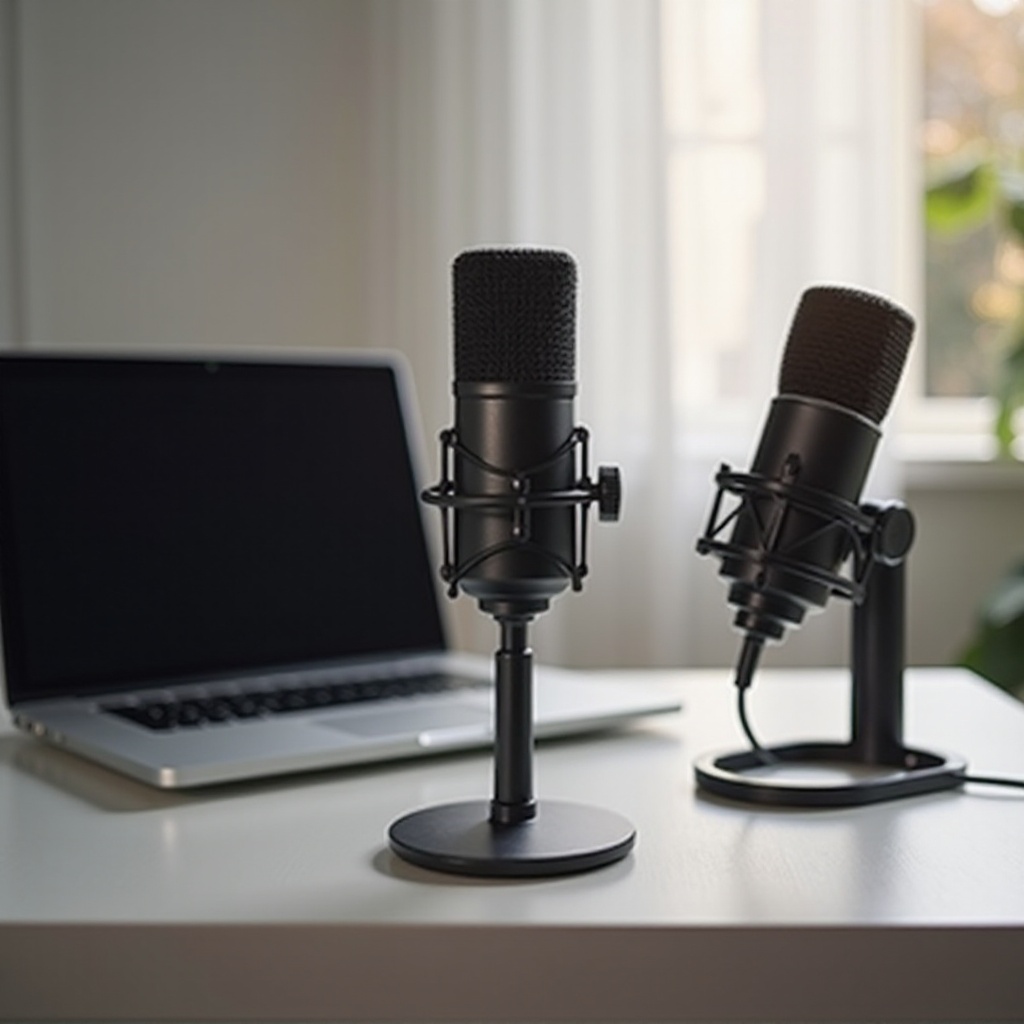
Enhancing Your Podcast Setup on a MacBook
Beyond the microphone, optimizing your podcast setup includes selecting the right accessories and software.
- Essential Accessories for Optimal Recording Quality
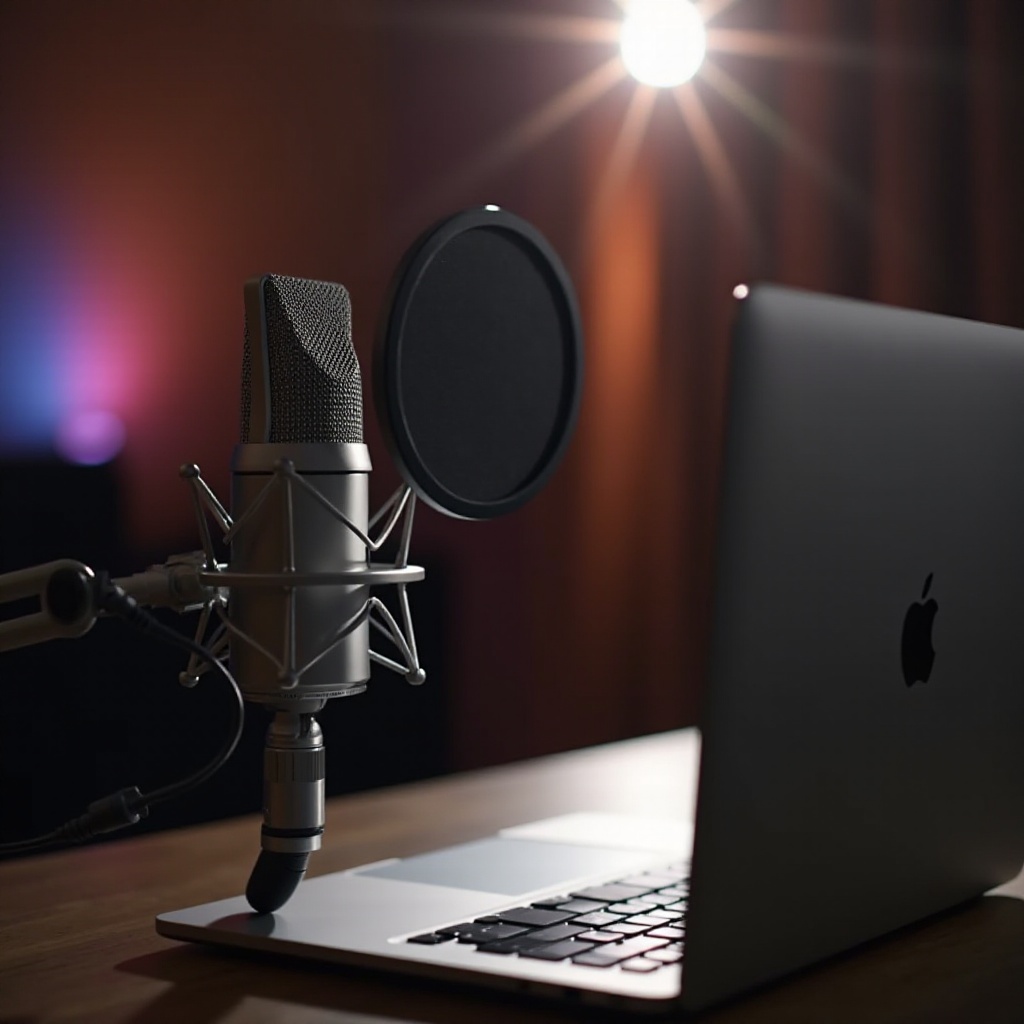
- Pop Filters: Crucial for reducing plosive sounds and ensuring clean audio output.
- Shock Mounts: Protect the microphone from vibrations and handling noise.
-
Boom Arms: Provide ergonomic microphone positioning for comfortable recording.
-
Recommended Software for Podcast Production on MacBook
- GarageBand: Offers a comprehensive suite of tools for editing and producing with ease.
- Audacity: Known for its versatility and open-source nature, it caters to beginners and advanced users alike.
- Adobe Audition: Preferred by professionals seeking detailed audio refinement and processing.
Integrating these tools and accessories will elevate your podcasting capabilities and allow you to produce high-quality audio content regularly.
Tips for Selecting the Perfect Microphone
With the array of options and enhancements available, choosing the perfect microphone involves assessing personal needs and budgets.
- Evaluating Your Podcasting Needs
- Consider your recording environment and select a microphone that works well under those conditions.
-
Identify features that are indispensable for your specific podcast topics or styles.
-
Budget Considerations and Value for Money
- For beginners, affordable USB microphones offer an excellent start without a steep financial commitment.
- Professional podcasters may opt for high-end microphones, which deliver superior audio capture and extra features.
With these considerations in mind, you are empowered to select a podcast microphone that complements both your creative vision and budget.
Conclusion
Choosing the right podcast microphone for your MacBook is vital for producing engaging audio content. By understanding the technical aspects and evaluating personal needs, you’re positioned to make an informed decision that enhances your podcast’s quality and reach.
Frequently Asked Questions
What type of microphone is best for podcasting with a MacBook?
USB microphones are best for beginners due to ease of use, while XLR mics offer superior quality for experienced podcasters.
Can I use an XLR microphone directly with my MacBook?
No, XLR microphones require an audio interface for connectivity with a MacBook.
What are some free software recommendations for podcasting on MacBook?
GarageBand and Audacity are excellent free options for recording and editing podcasts on a MacBook.