
Introduction
Connecting an old Nintendo console to a modern smart TV can revive cherished gaming memories. Many gamers want to enjoy classic Nintendo games on their current smart TVs, but older consoles weren’t designed with HDMI outputs. This guide equips you with the tools and knowledge needed to connect your Nintendo console to your smart TV, ensuring a seamless gaming experience.
Understanding Console and TV Compatibility
Before diving into the connection process, understanding the compatibility between your Nintendo console and smart TV is essential. Older consoles like the NES or SNES typically use coaxial or composite RCA outputs, while newer smart TVs have HDMI and USB ports. This requires adapters to bridge the compatibility gap. Identify your console’s output ports and the input ports on your TV to select the correct adapters. Properly matching the signal type with a compatible adapter ensures a smooth transition from old to new technology.
Equipment and Adapters Required
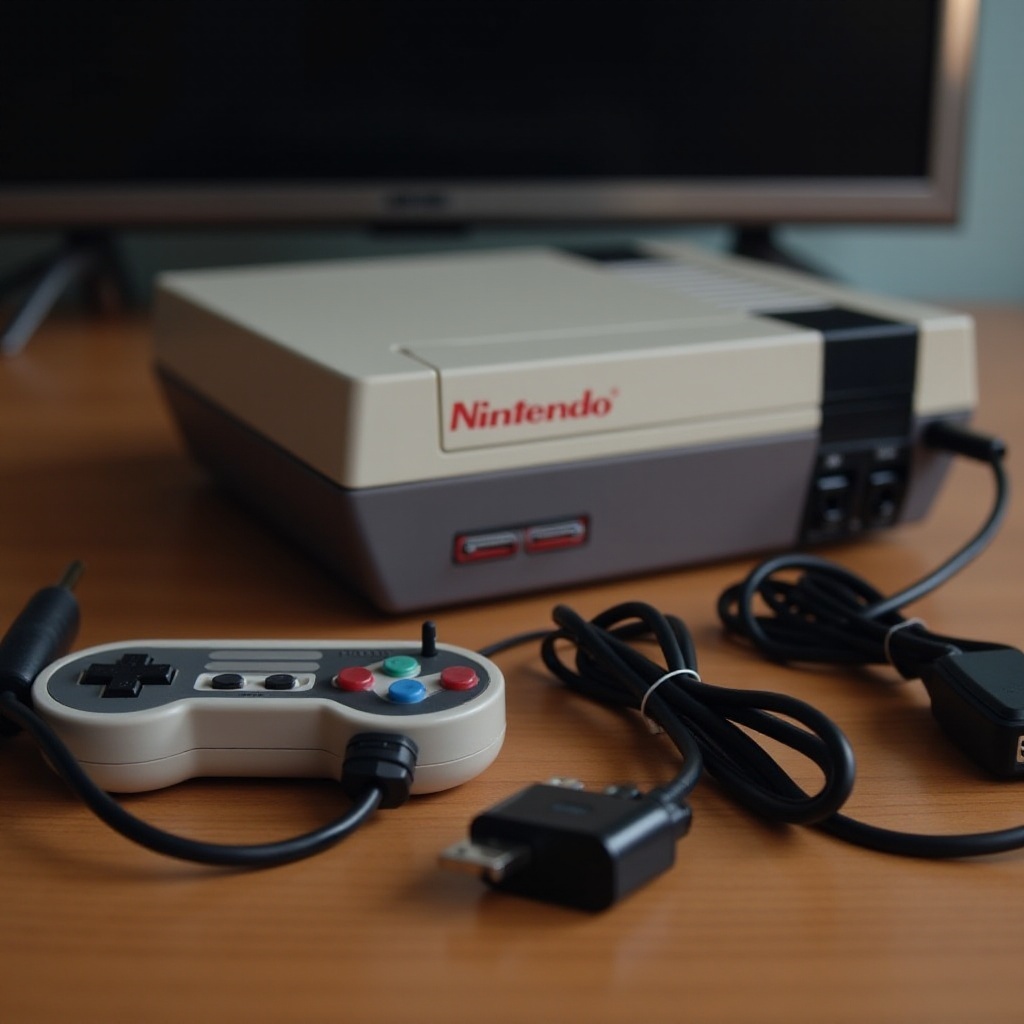
To connect your Nintendo console to your smart TV, you’ll need specific adapters and cables:
– RCA to HDMI Converter: Converts the analog signal to a digital HDMI signal.
– HDMI Cable: Connects the adapter to your TV.
– Power Supply: Some converters require an external power source.
– Audio RCA Cable: Optional, but enhances sound quality.
– Coaxial to RCA Adapter: Necessary if your console uses a coaxial output.
Having the right equipment ensures a hassle-free setup process. Once you have the necessary adapters, you’re ready to proceed.
Step-by-Step Guide to Connecting Your Console
Follow these steps to connect your old Nintendo console to your smart TV:
1. Using HDMI Adapters:
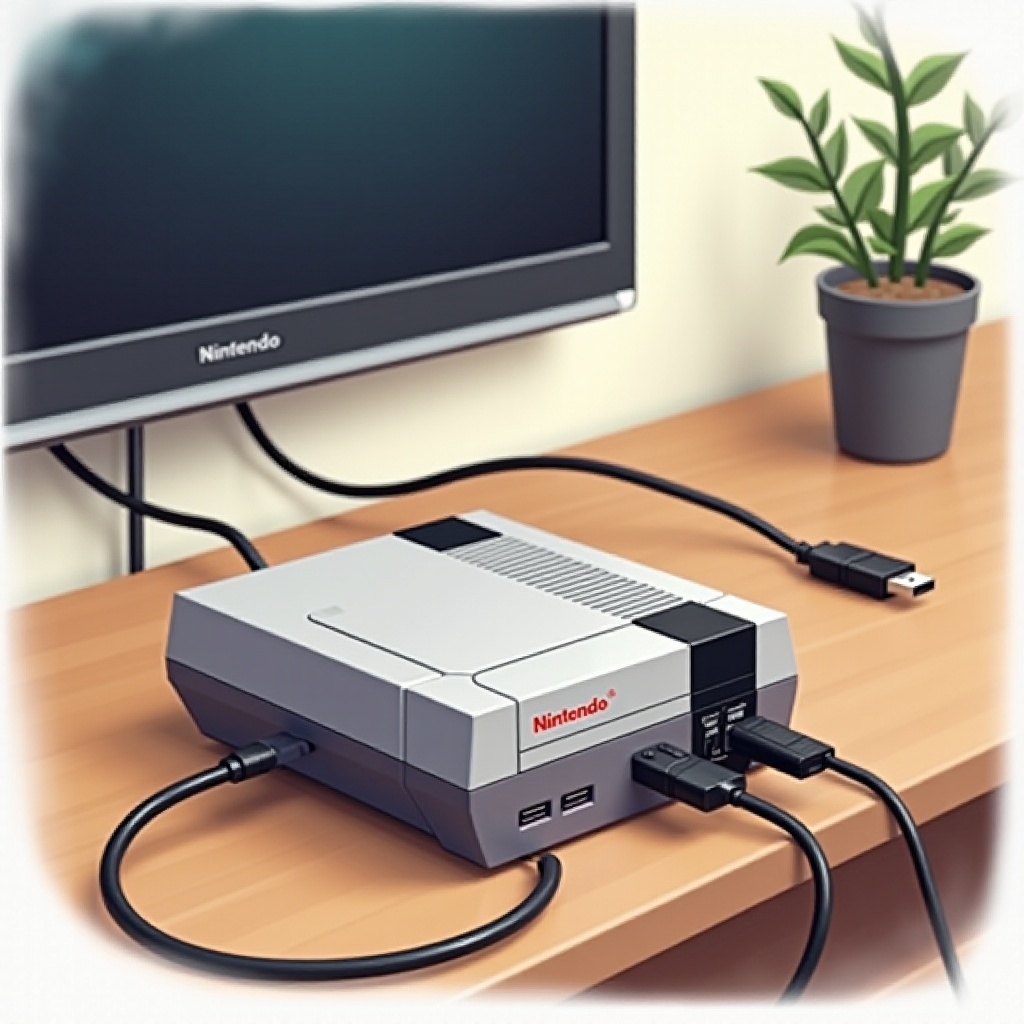
– Connect the RCA cables from your console to the RCA to HDMI converter.
– Attach an HDMI cable from the converter to your TV’s HDMI input.
– Plug in the converter to an external power source.
– Switch your TV to the correct HDMI input channel.
2. Connecting with RCA Cables:
– Attach the RCA cables directly to the available RCA input on your TV if supported.
– Ensure cables are connected to the correct color ports for audio and video.
3. Troubleshooting Common Issues:
– If no signal appears, recheck cable connections.
– Ensure the TV is set to the correct input channel.
– Test the adapter with a different console to isolate issues.
These steps help establish a strong connection between your Nintendo console and your smart TV, letting you enjoy retro games quickly.
Optimizing Your Gaming Experience
Once connected, enhancing your gaming experience is crucial. Consider these improvements:
– Adjusting Display Settings:
– Access your smart TV’s picture settings to change aspect ratio, brightness, and contrast.
– Utilize the ‘Game Mode’ on your TV to minimize input lag.
– Enhancing Audio Quality:
– If your converter includes RCA audio outputs, connect to an external speaker for better sound.
– Check your TV’s audio settings for further adjustments.
These changes ensure that your gaming session on a smart TV matches the retro gaming experience.
Conclusion
Connecting your old Nintendo console to a modern smart TV can be straightforward with the right adapters. The effort is well worth the nostalgia. With proper setup, you can relive classic Nintendo experiences on today’s technology. Dive into your favorite retro games with confidence, bridging past and present gaming.
Frequently Asked Questions
Can I connect my NES to a smart TV?
Yes, using an RCA to HDMI converter lets you connect an NES to a smart TV, offering compatibility and quality gameplay.
What adapters are recommended for the best quality?
For optimal quality, use an RCA to HDMI converter and an HDMI cable to effectively transmit audio and video.
How can I fix lag or display issues?
To address lag, switch your TV to ‘Game Mode’ to reduce input delay. Ensure all connections are secure and adjust the TV’s display settings.