
Introduction
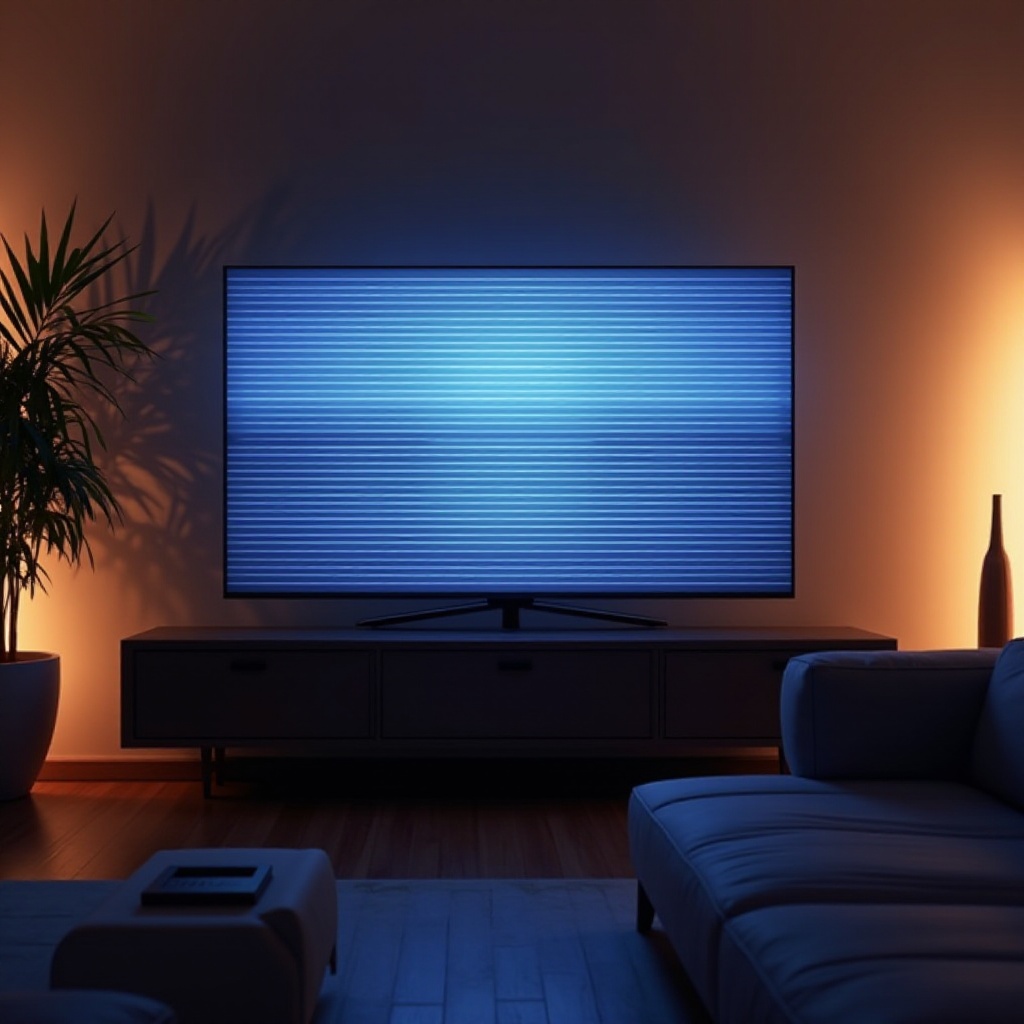
Horizontal lines can tarnish your Hisense TV viewing experience, causing distracting interruptions. These lines appear due to multiple reasons, and addressing them promptly is crucial for restoring optimal screen quality. This guide provides a comprehensive approach, offering troubleshooting tips, advanced fixes, and preventive strategies to keep your screen clear.
Understanding Horizontal Lines on Hisense TVs
Recognizing the underlying causes of horizontal lines is the first step towards fixing them. Common causes include:
– Loose or defective cables, which could disrupt the TV signal.
– Software glitches or outdated software interfering with display functionality.
– Physical damage to the screen, often due to accidental impacts or pressure.
Understanding these factors allows us to apply the most relevant solutions to resolve them effectively.
Basic Troubleshooting Steps
We begin with simple troubleshooting methods to address horizontal lines on your Hisense TV:
1. Ensuring all cables, such as HDMI or AV cables, are properly connected. Inspect them for damage and replace if necessary.
2. Performing a soft reset by unplugging the TV from its power source, waiting 60 seconds, and reconnecting it. This can help resolve temporary glitches.
3. Checking for software updates. Navigate to the ‘Settings’ menu, go to the ‘System’ section, and select ‘Software Update.’ Installing available updates might fix the issue.
If these basic steps fail to solve the problem, more advanced measures may be necessary.
Advanced Solutions for Persistent Issues
When basic troubleshooting does not alleviate the problem, consider more in-depth solutions:
1. Performing a factory reset. Go to ‘Settings,’ select ‘System,’ and then ‘Factory Reset.’ Follow the instructions to restore the TV to its original settings. Be aware this will remove personal settings and data.
2. Inspect the screen and internal components for damage. This is crucial if you’ve experienced physical impacts on the device.
3. Contacting Hisense support for professional assistance if the screen still displays horizontal lines post these attempts. An expert can diagnose and repair potential hardware issues.
Advanced solutions often tackle underlying technical issues, creating a bridge towards effective preventative maintenance.
Preventive Measures to Avoid Future Screen Problems
After resolving any immediate issues, focusing on prevention is key to maintaining screen quality:
– Setting up the TV in a stable environment, away from direct sunlight, heat, and any source of high moisture. Handle the TV with care to avoid unnecessary pressure on the screen.
– Conducting regular maintenance checks. Clean the screen using a microfiber cloth, ensuring no dust accumulates that might affect performance.
– Routinely check cables and connections for signs of wear and tear.
Implementing these preventive strategies helps ensure a longer lifespan for your Hisense TV and a consistently clear viewing experience.
Conclusion
Tackling horizontal lines on your Hisense TV involves a combination of smart troubleshooting, advanced repair techniques, and proactive preventive measures. By following our guide, you can enhance your TV’s performance and avoid future issues. Don’t hesitate to seek professional support if the issue persists beyond your troubleshooting efforts.
Frequently Asked Questions
Why do horizontal lines appear on my Hisense TV screen?
Horizontal lines can be caused by loose cables, software issues, or physical damage to the screen.
Can I fix horizontal lines on my TV screen myself?
Yes, by following simple troubleshooting steps such as checking cable connections and updating software. If the issue persists, consider professional help.
When should I contact a professional for TV screen issues?
If basic troubleshooting and reset steps do not resolve the issue, or if you suspect hardware damage, it’s advisable to contact a professional technician.