
Introduction
Samsung TVs offer stunning picture quality, but image issues like blurriness, flickering, or color distortion can arise, affecting your viewing pleasure. Addressing and solving these problems is crucial to regain optimal performance. This guide walks you through recognizing, addressing, and ultimately resolving common Samsung TV image issues.
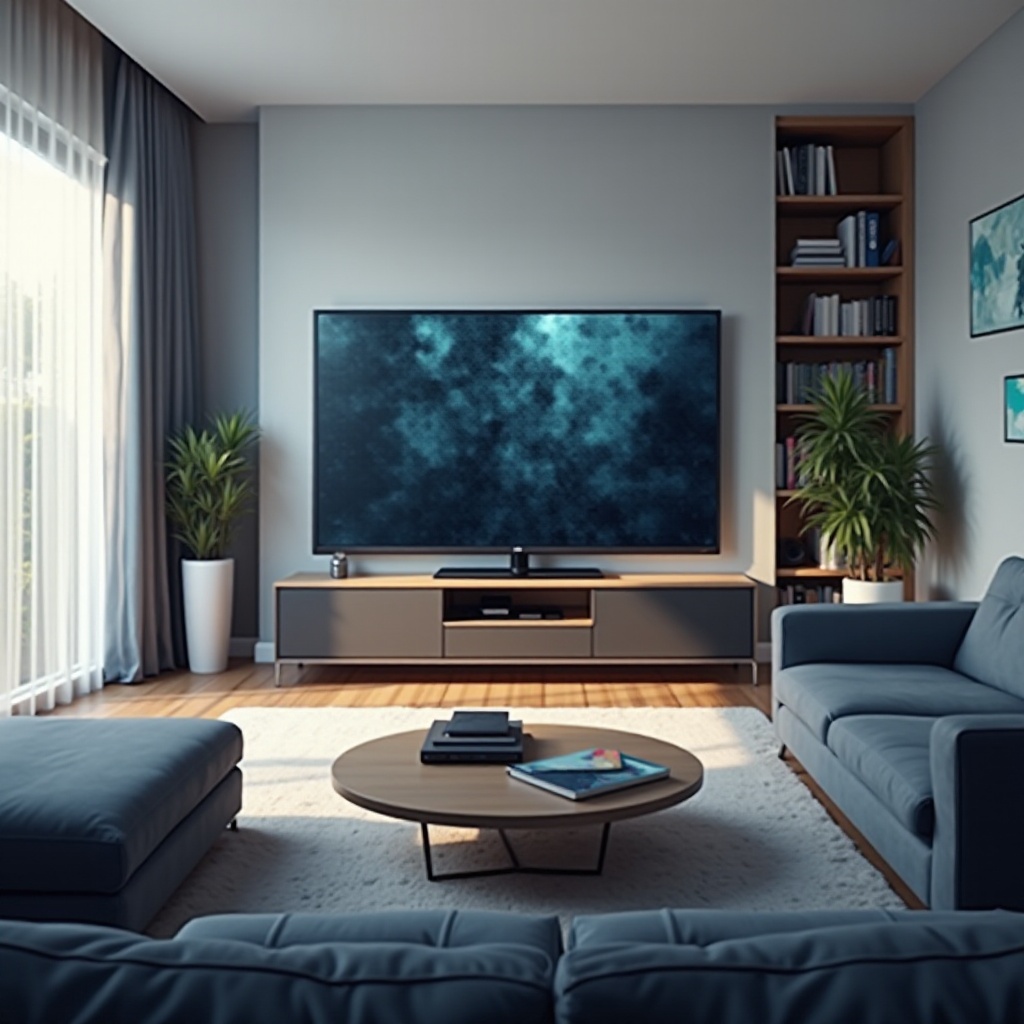
Understanding Samsung TV Image Problems
A clear understanding of the typical image issues in Samsung TVs and their causes sets the groundwork for effective troubleshooting.
Types of Common Image Issues: Users frequently report issues such as blurry images, flickering screens, and color distortions. These issues significantly impact the viewing experience.
Causes of Image Distortions: Incorrect settings, outdated firmware, and faulty cables commonly lead to image problems. Environmental factors like lighting can also play a significant role.
With these insights, you can more easily identify and address the specific issues affecting your viewing experience.
Quick Fixes for Samsung TV Image Issues
Many image quality issues can be swiftly resolved with quick and straightforward fixes.
Adjusting Picture Settings: Start by accessing your TV’s picture menu. Tweak the brightness, contrast, and sharpness settings, and explore predefined modes like Dynamic or Standard.
Checking Cable and Connections: Ensure all cables are securely plugged in and in good condition. Inspect HDMI ports for damage or debris.
Updating Firmware: An outdated system may cause problems. Go to the settings menu, select Support, and update the TV’s firmware if necessary.
These steps are the first line of action, likely resolving many typical issues.
Advanced Solutions for Persistent Problems
If problems persist despite initial troubleshooting, advanced measures might be necessary.
Calibration for Optimal Picture Quality: Using a calibration tool can perfect the balance of color, brightness, and contrast, leading to an optimal viewing experience.
Resolving Motion Blur and Lag: Implement high-refresh-rate settings and disable energy-saving options that may affect performance.
Handling Color Distortion: Adjust the color balance in advanced picture settings and ensure the source device outputs the highest color depth.
Delving into these advanced solutions can significantly enhance picture quality and resolve persistent issues.
Preventative Maintenance and Care
Preventative measures can greatly enhance your TV’s long-term performance and image quality.
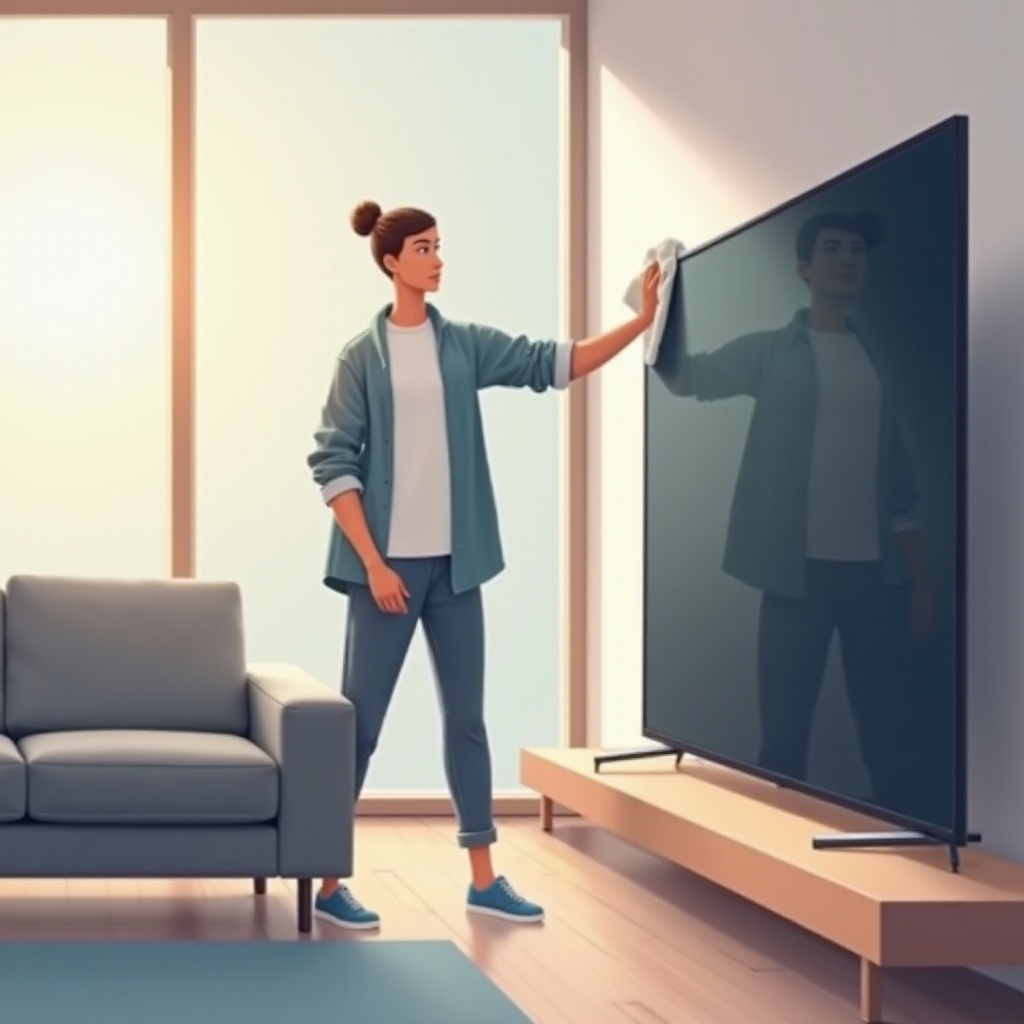
Regular Cleaning Tips: Clean the screen with a microfiber cloth regularly to prevent dust and fingerprint accumulation that might impact image clarity.
Updating Software Consistently: Always check for and install system updates promptly to ensure smooth and secure TV operation.
Proper Room Lighting and Positioning: Position the TV to avoid glare. Optimize ambient lighting for the best viewing conditions.
By integrating these practices, you enhance picture quality and prolong your TV’s lifespan.
When to Seek Professional Help
Even the most comprehensive DIY solutions might not resolve every issue. Here’s when to consider professional intervention.
Identifying Serious Issues: Persistent problems like image retention or unusual noises require professional assessment.
Understanding Repair Costs: Professional repair can be costly but might be necessary for complex issues. Compare services and costs to find the best option.
Seeking professional help ensures your TV receives the necessary care for complex issues beyond your capability.

Conclusion
Samsung TVs deliver an excellent viewing experience, but image issues can detract from enjoyment. By applying quick fixes, advanced solutions, and regular maintenance, most problems can be resolved effectively. Recognizing when to seek professional help ensures your TV remains in excellent condition, offering years of high-quality viewing.
Frequently Asked Questions
How do I stop my Samsung TV from flickering?
Ensure all cable connections are secure, update the TV’s firmware, and adjust the picture settings to optimize performance.
Why is my Samsung TV picture distorted?
Distorted images can result from incorrect settings, outdated firmware, or problematic sources. Begin by checking cables and settings.
Can I repair image burn-in on my Samsung TV?
While image burn-in can be minimized by adjusting settings and using screen savers, severe cases may require professional repair.