
Introduction
Beats Solo headphones are popular for their stylish design and outstanding sound quality. Yet, like any electronic device, they may develop issues over time. Whether faced with audio problems or physical damage, understanding how to troubleshoot and fix these issues can save you both time and money. This comprehensive guide is designed to help you identify common problems, apply practical solutions, and determine when professional intervention is needed.
Identifying Common Issues with Beats Solo Headphones
Before diving into repairs, pinpointing the specific issue with your headphones is essential. Common problems generally include audio malfunctions and physical damage. Accurate diagnosis not only guides you toward the right solution but also helps avoid further damage.
-
Diagnosing Audio Problems: Issues such as intermittent sound, static, or audio loss on one side can indicate audio problems. To confirm, test your headphones with various audio sources to see if the problem persists.
-
Recognizing Physical Damage: Visual inspection can reveal physical damage such as cracks in the headband, loose wires, or deterioration of the ear cushions. Identifying such damage can save time by focusing your repair efforts.
With a clear understanding of the problem area, you can proceed with the appropriate steps to address it.
Step-by-Step Guide to Fixing Audio Issues
Resolving audio issues often involves examining connections and components. Follow these steps to tackle common audio malfunctions:
-
Cable and Connector Inspections: Start by examining the cable for visible damage. If the cable is detachable, replace it with a new one to rule out cable issues. Should the problem lie internally, open the earcup with care, and re-solder any loose connections.
-
Solving Bluetooth Connectivity Problems: Ensure your Bluetooth signal is active and the headphones are fully charged. Resetting the Bluetooth connection by holding the power button for 10 seconds can often restore functionality. After resetting, pair the headphones with your device again to establish a stable connection.
By closely following these steps, most audio issues can be resolved without replacing the headphones.
Physical Repairs for Beats Solo Headphones
Physical problems require a slightly different approach, focusing on repairing or replacing damaged components:
-
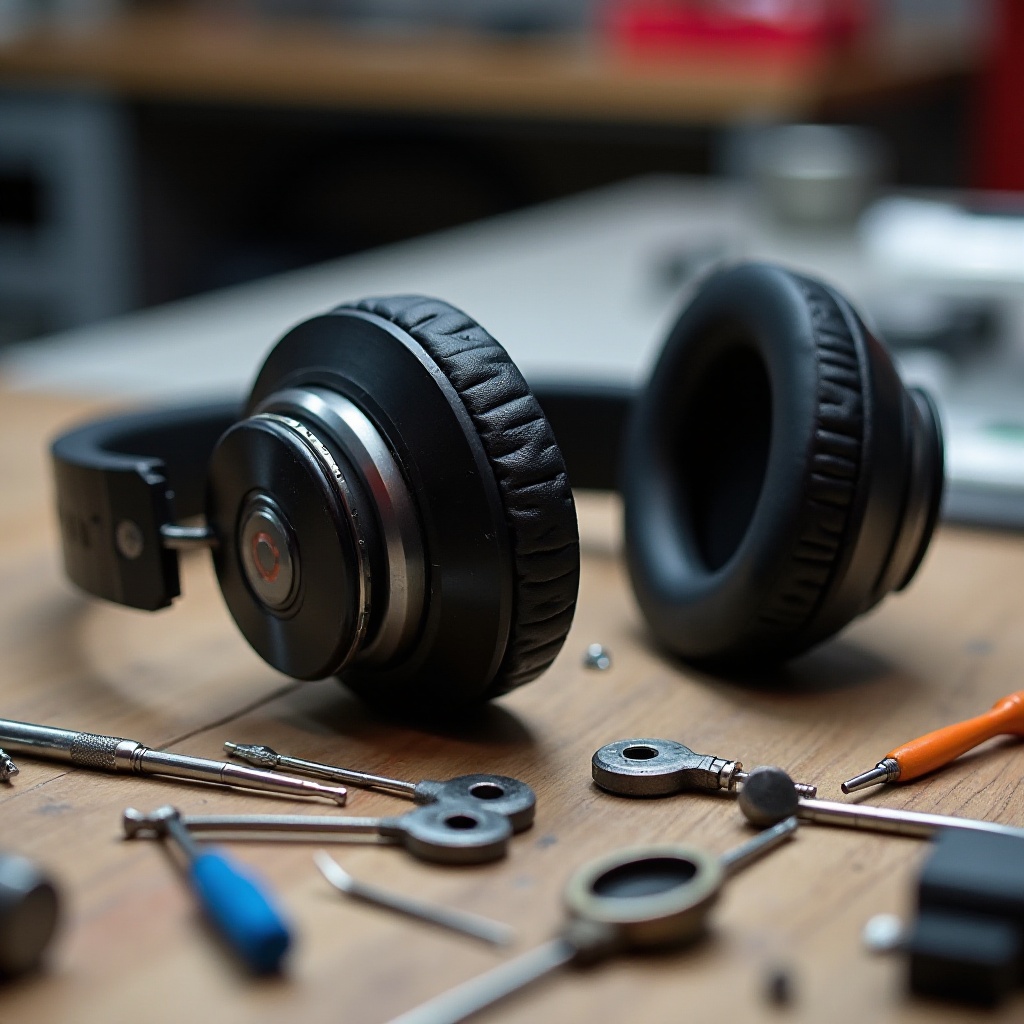
Addressing Headband and Hinge Damages: Check the headband for cracks or loose hinges. Online guides can offer techniques using adhesives or replacement kits to solve these issues. Ensure any repairs made restore the structural integrity of the headband.
-
Replacing Worn-out Ear Cushions: When ear cushions wear out or become damaged, replacement is a simple fix. Purchase new, compatible cushions, remove the old ones carefully, and attach the new pair by snapping them into place.
Repairing physical damage not only extends the life of your headphones but also maintains comfort and sound quality.
Software Updates and Their Importance
After addressing hardware problems, ensuring your Beats Solo headphones have the latest software updates is crucial for optimal performance. Regular firmware updates can improve functionality and prevent connectivity issues. Check the Beats app or your device settings for available updates, and install them as instructed. Updated software improves compatibility, enhances features, and often fixes existing issues.
Maintaining up-to-date firmware is a proactive measure that can support your headphones’ overall performance and reliability.
Preventative Maintenance Tips
Preventive maintenance routines can help avoid future issues and extend the headphones’ lifespan:
-
Effective Cleaning Practices: Use a soft cloth dampened with water to gently clean the headphones’ exteriors. Avoid corrosive cleaners that might damage surfaces. Periodically clean the ear cushions and headband to remove accumulated dirt and sweat.
-
Proper Storage Techniques: Store your headphones in a dedicated protective case when they are not in use. Avoid exposure to extreme temperatures and humidity to prevent material degradation and electronic malfunctions.
By adopting these maintenance strategies, you can ensure that your headphones remain in excellent working condition for years.
DIY Repairs vs. Professional Services
While many repairs are manageable at home, some situations call for professional assistance:
-
Opting for DIY Repairs: Straightforward problems, like a loose wire or a worn-out cushion, can often be fixed at home. Ensure that you have the proper tools and follow detailed online tutorials for guidance.
-
Choosing Professional Repair Services: More complex issues, such as intricate wiring problems or severe physical damage, might require expert handling. Opt for certified repair services to ensure quality work that doesn’t invalidate any remaining warranty coverage.
Deciding between DIY and professional repair can make a significant difference in prolonging your headphones’ usability and functionality.
Conclusion
Caring for your Beats Solo headphones demands a keen understanding of diagnosing and fixing common issues, coupled with ongoing preventative maintenance. This guide provides solutions to numerous common problems and helps you determine when professional assistance is needed. With regular care and updates, your headphones will continue to deliver exceptional performance well into the future.
Frequently Asked Questions
How can I prevent sound issues in my Beats Solo headphones?
Regularly clean audio ports and cables and keep your software updated to prevent connectivity and sound issues.
What tools do I need for DIY repairs on my Beats Solo?
Basic tools include a precision screwdriver set, soldering kit, and adhesive for physical repairs.
How often should I update the software on my Beats Solo headphones?
Check for software updates monthly to ensure your headphones function smoothly and efficiently.