
Removing the battery from a Samsung phone, especially older models, might be necessary for troubleshooting or battery replacement. While newer models often have non-removable batteries, we will guide you on how to approach both types, ensuring you understand each step and stay safe during the process.
Introduction
Knowing how to remove a Samsung phone’s battery can extend its life and resolve operational issues. Whether you’re replacing an old battery or solving a mechanical glitch, our detailed guide will assist you through this task systematically. By understanding the methods and precautions, you can ensure your phone maintains a long lifespan.
Safety Precautions Before Removing the Battery
Before starting, prioritize your safety and the integrity of your phone. Proper precautions can prevent damage and ensure a successful operation.
- ‘Why Turning Off the Device Matters’: Always power down your device before removing the battery. It ensures your safety from electric shocks and protects the phone components from short circuits.
- ‘Using Appropriate Tools Safely’: Equip yourself with the right tools, such as a plastic spudger or a small screwdriver. Metal objects might lead to short-circuiting; hence, a non-metal approach is recommended.
Now that safety precautions are in place lets prepare the necessary tools for the task.
Tools Required for Battery Removal
Having the correct tools will streamline the battery removal process significantly. Preparation is key.
- ‘Essential Tools List’: Gather tools like a plastic prying tool, Phillips-head screwdriver, and an anti-static wrist strap.
- ‘Where to Purchase Tools’: These are available on various online platforms like Amazon or in local electronics stores. Consider purchasing a basic repair kit to have all necessary instruments at your disposal.
With tools ready, you’re prepared to begin the battery removal process itself.
Step-by-Step Guide: Removing the Battery from Your Samsung Phone
Follow these detailed steps to safely remove the battery from your Samsung phone.
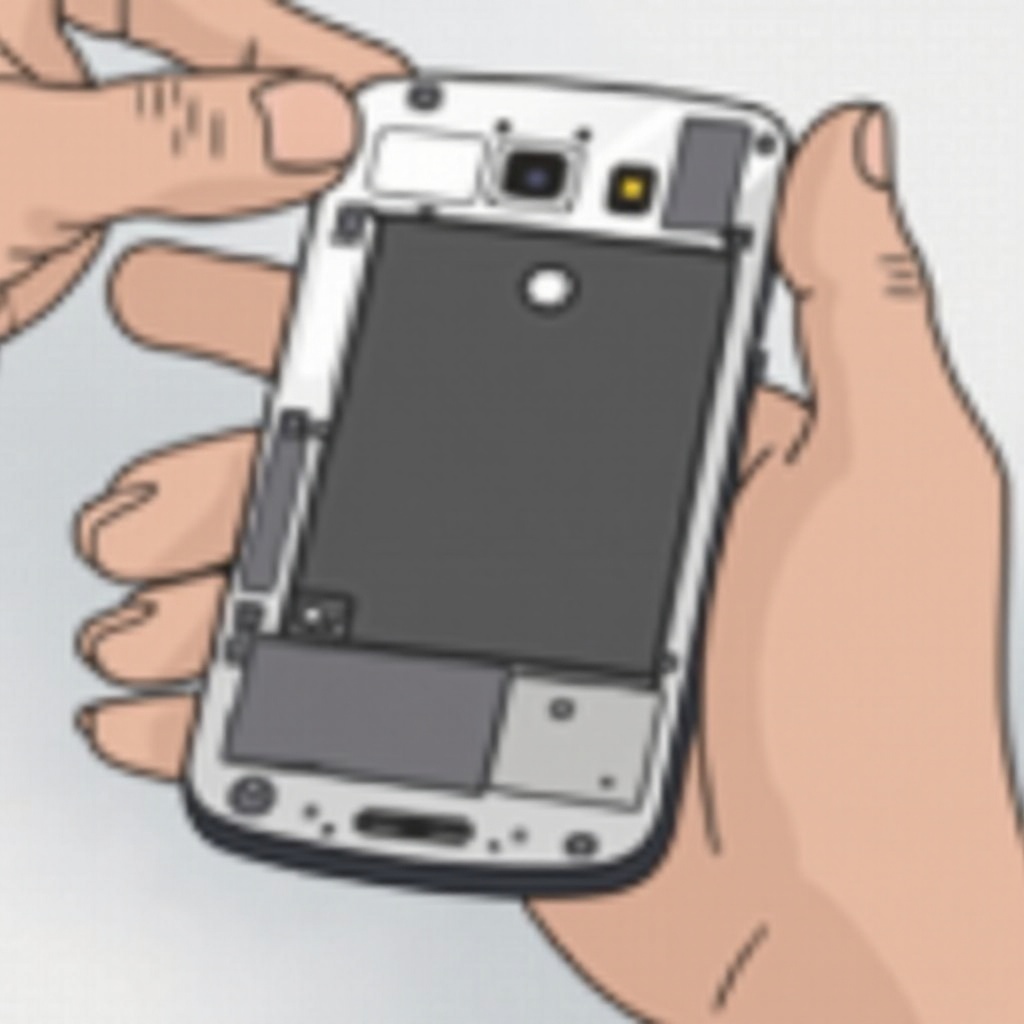
- ‘Locating the Back Panel’: Turn the phone over to locate the back panel. Look for seams or indentations that mark where the cover separates from the phone body.
- ‘Removing the Back Cover’: Use the plastic prying tool to gently remove the back cover, applying consistent pressure around the edges to avoid damage.
- ‘Identifying and Detaching the Battery’: Once inside, locate the battery. Disconnect it carefully, using any tabs provided or gently prying it loose with your tool.
Having addressed standard models, let’s discuss handling models with non-removable batteries.
Handling Non-Removable Samsung Batteries
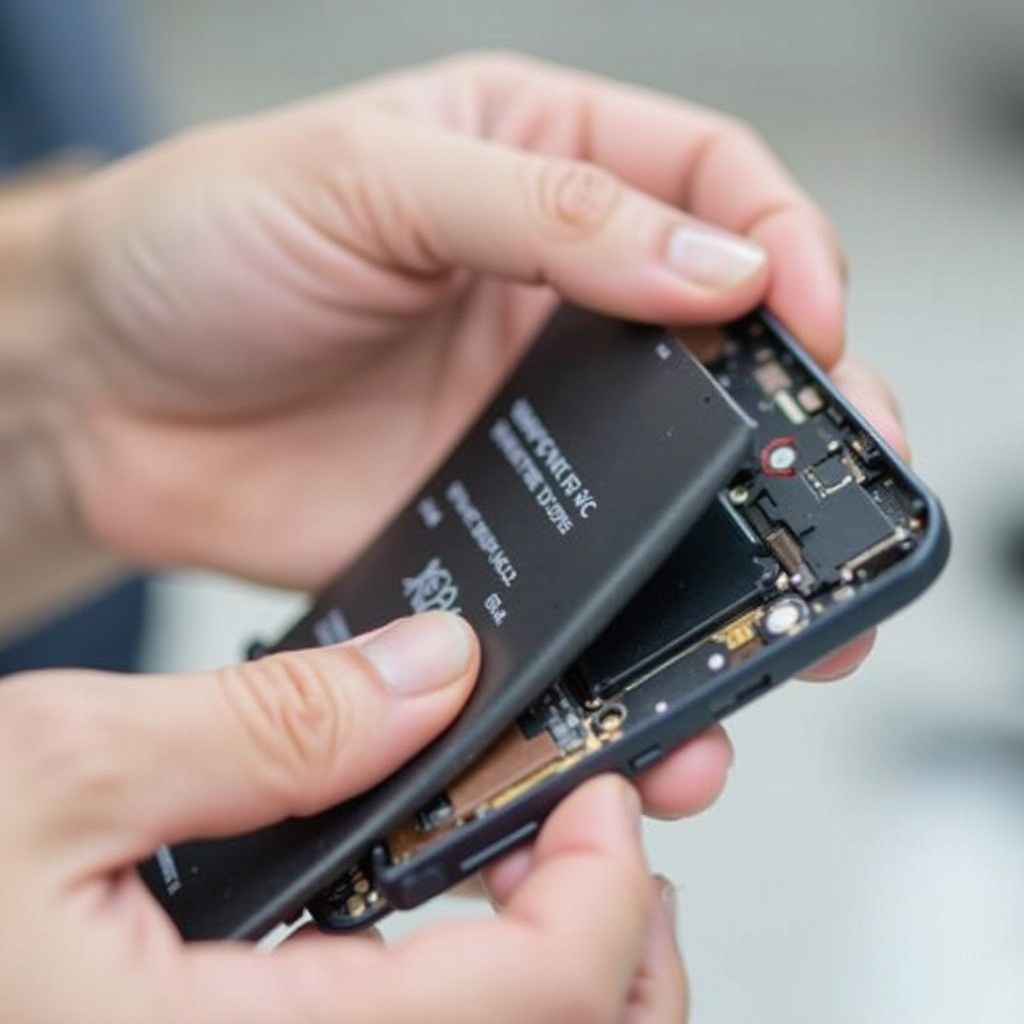
Some newer Samsung models have non-removable batteries which require additional care.
- ‘Understanding Built-in Batteries’: These are integrated into the phone’s frame and require more effort to access.
- ‘Professional Service Recommendations’: If uncertain about removing a built-in battery, professional help from Samsung service centers is advisable. This preserves the warranty and ensures safe handling with appropriate tools.
Next, let’s reassemble your device, ensuring it’s back to working order.
How to Reassemble Your Samsung Phone
Reassembly is as important as removal. Carefully follow these steps to secure your phone’s components.
- ‘Securing the Battery and Back Panel’: Place the battery back and reconnect it properly. Secure the back panel by pressing around the edges until it clicks into place.
- ‘Conducting a Functionality Test’: Turn your phone on to ensure it powers up correctly. Verify that key functions, such as calling and touchscreen responsiveness, are operating as expected.
Finalizing the battery operation, the troubleshooting section can help address post-reassembly issues.
Troubleshooting Common Issues After Battery Removal
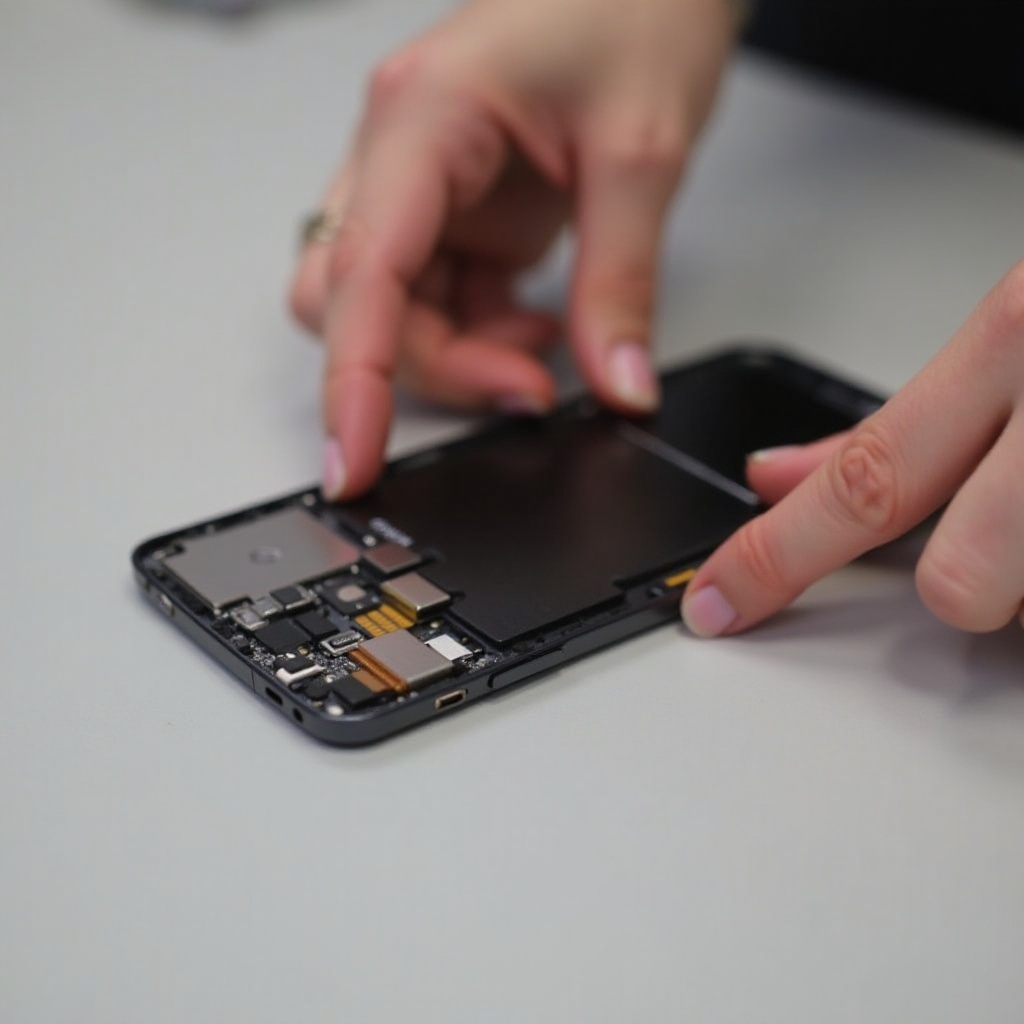
In case your phone exhibits issues after reassembly, consider these solutions.
- ‘What to Do If the Phone Doesn’t Power On’: Ensure the battery is correctly installed and charged. Confirm all connections are secure.
- ‘Checking for Loose Components’: If you hear a rattle or component shifts, recheck all screws and clips to ensure they are properly fastened.
Conclusion
By following this comprehensive guide, you have empowered yourself to safely remove and replace your Samsung phone battery. Your device’s longevity and operational reliability are enhanced through proper handling and care.
Frequently Asked Questions
Can I remove the battery from any Samsung phone model?
Most older models have removable batteries, but newer ones often don’t. Check your specific model’s manual.
Is it safe to remove the battery myself?
Yes, with the right precautions and tools, it is safe. Ensure you understand the phone’s design before proceeding.
What should I do if my phone isn’t working after reassembly?
Double-check connections, ensure the battery is charged, and consult a technician if issues persist.