
Vertical lines on your TV screen can be a nuisance, interrupting your favorite shows or movies. Whether these lines are due to hardware issues, unexpected glitches, or other factors, understanding the problem is the first step toward solving it. This guide explores the common causes and practical solutions to help you enjoy an uninterrupted viewing experience.
Introduction
Vertical lines disrupt your TV time and often suggest underlying technical issues. These lines can range from minor adjustments to complex hardware problems. It is essential not to ignore them, as prolonged inattention can lead to significant damage. Let’s dive into what causes vertical lines and how you can tackle them effectively.
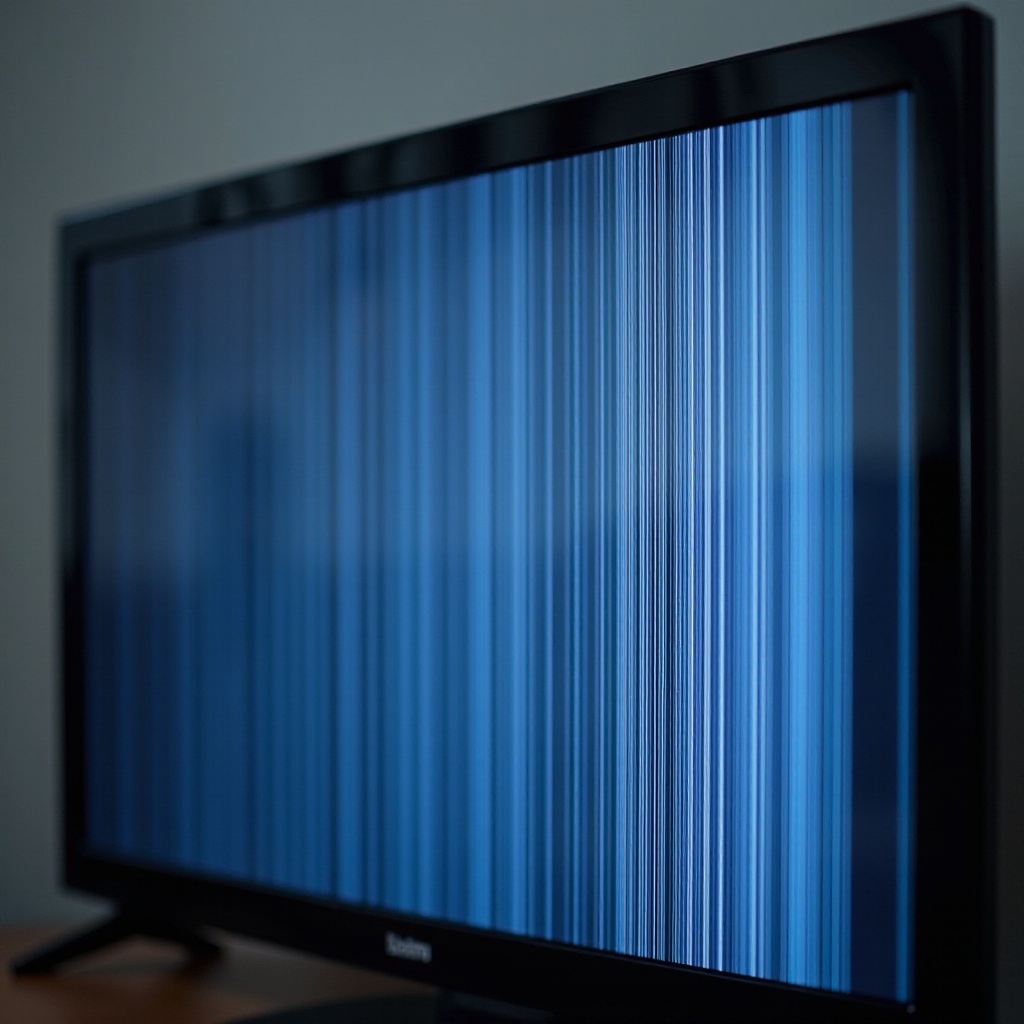
Common Causes of Vertical Lines on TV Screens
To address vertical lines, recognizing the root cause is crucial. The problem usually arises from hardware malfunctions, software glitches, or screen damage.
- Hardware Issues:
- Loose or Damaged Cables: Poor connections or damaged cables might interrupt the signal.
- Faulty T-Con Board: This board controls pixel display, and defects can cause issues.
- Software Glitches:
- Firmware Issues: Television software may sometimes produce errors.
- Impact of Recent Updates: New updates can inadvertently alter display settings.
- Screen Damage:
- Physical Impacts and Screen Pressure: Accidental pressure on the screen can damage pixels.
- Burn-in Effects: Prolonged display of static images can lead to permanent screen marks.
Identifying these causes paves the way for applying the most appropriate solutions. Armed with this knowledge, let us move forward to diagnose whether the problem is internal or external.
Diagnosing the Problem: Is It the TV or External Devices?
Before initiating any repairs, it is vital to determine whether the issue stems from the TV itself or connected external devices. Proper diagnosis ensures that troubleshooting efforts are directed suitably. Here’s how you can assess the situation:
- Checking Signal Source: Ensure the issue persists on all input sources. If the problem occurs with a particular device, it likely originates from there.
- External Device Connection: Inspect whether devices like game consoles or set-top boxes are properly connected and their output settings align with the TV’s capabilities.
Clarifying the source of the problem is essential as it dictates whether you should focus on external device settings or internal TV repairs.
DIY Troubleshooting Steps
If investigations confirm an issue within the TV, several do-it-yourself approaches might resolve it:
- Checking and Reconnecting Cables:
- Securely connect all cables.
- Replace damaged cables with high-quality alternatives to minimize interference.
- Running a Screen Test:
- Access your TV’s menu settings for a screen test option.
- This helps identify flaws without external interference.
- Updating or Resetting Firmware:
- Check the manufacturer’s website for software updates.
- Perform a factory reset, backing up necessary settings to avoid losing data.
These DIY measures often rectify common vertical line issues. However, if difficulties persist, more intensive solutions should be considered.
Professional Repair vs. Replacement: What Should You Do?
When at-home remedies fail, deciding between a professional repair and a new replacement becomes crucial. The decision often hinges on cost, model age, and extent of damage.
- When to Seek Professional Help: Persistent issues or clear screen damage typically necessitate expert repair. Certified technicians can address complex failures beyond superficial defects.
- Cost Considerations for Repair vs. Replacement:
- Repairs: Typically more affordable, especially for newer models under warranty.
- Replacement: Opt for a new TV if repair costs near replacement prices, particularly for older units.
Balancing between investing in repairs or upgrading to a new model ensures you make an informed decision, focusing on long-term satisfaction.
Preventative Measures to Avoid Vertical Lines on Your TV
Prevention is key to averting the recurrence of vertical lines. Simple yet effective measures can maintain your TV’s optimal condition.
- Regular Maintenance:
- Clean your TV and connections to prevent dust accumulation.
- Proper Usage Techniques:
- Switch off the TV when inactive to prevent burn-ins.
- Use surge protectors to safeguard against power fluctuations.
By integrating these practices, you sustain screen clarity and extend your TV’s lifespan.
Conclusion
Addressing vertical lines on your TV requires knowledge and initiative. Understanding potential causes alongside implementing suitable solutions can restore your TV’s functionality. Whether through straightforward fixes or professional intervention, taking prompt action ensures enjoyable viewing that stands the test of time.
Frequently Asked Questions
Can overheating cause vertical lines on my TV screen?
Yes, excessive heat can damage internal components, leading to vertical lines.
Do vertical lines on my TV screen indicate it’s time for a replacement?
Not necessarily. Diagnose the problem first; many issues can be repaired affordably.
How often should I perform maintenance checks on my TV?
Regularly inspect and clean every few months, or whenever performance drops, to prevent issues.